
Use the map view
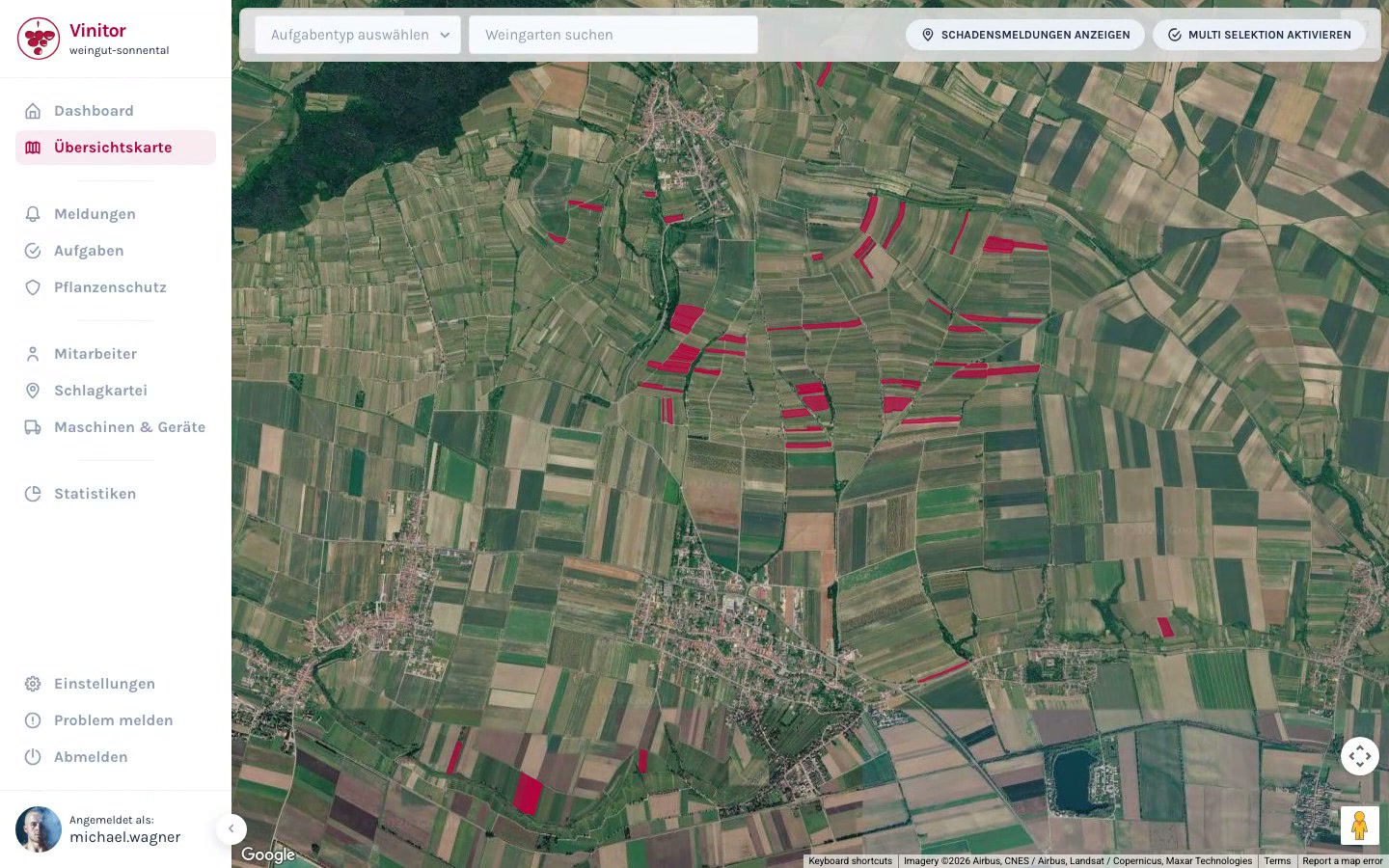
On the overview map, you can navigate through your vineyards, search for individual vineyards, and use the detail overlay to access tasks and master data directly.
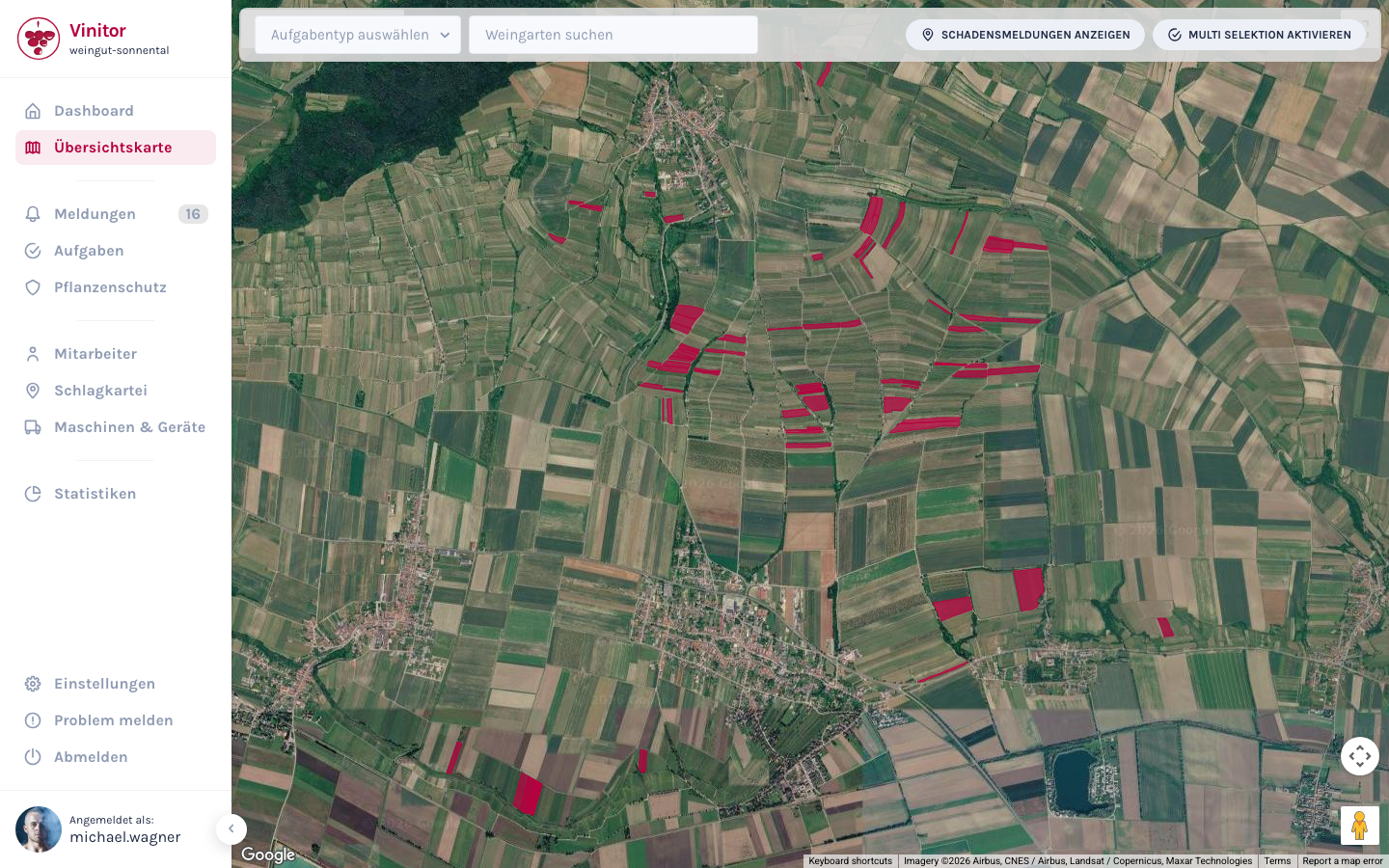
Search for a vineyard
Section titled “Search for a vineyard”Use the Search vineyard field in the top bar to find a specific vineyard via autocomplete search. Enter the name, the Rieds or the vineyard number — the map automatically zooms to the selected vineyard and opens its detail overlay.
Use the vineyard overlay
Section titled “Use the vineyard overlay”Clicking a polygon opens the detail overlay on the right edge of the map. It contains the vineyard’s key master data and tasks.
Using the task tabs (In Progress, Upcoming, Done) you can view the status and progress of the work directly, without having to leave the map. Use the Create task button to create a new task that’s already assigned to the vineyard.
Use the task type filter
Section titled “Use the task type filter”Use the Task type dropdown in the top bar to choose which task type the vineyards are colour-coded by. Once you’ve made a selection, a legend with the status colours appears.
This lets you see at a glance which vineyards are still open, in progress, or already done for a particular work step.
Result
Section titled “Result”The map view gives you a visual overview of the progress of all work in your vineyards. Using the overlay and the task type filter, you can plan and track your season directly on the map.
Next steps
Section titled “Next steps”Related documentation
Section titled “Related documentation”SUPPORT
Need help?
Our team is happy to help with any questions about Vinitor.