
GPS & time tracking — Modules & features
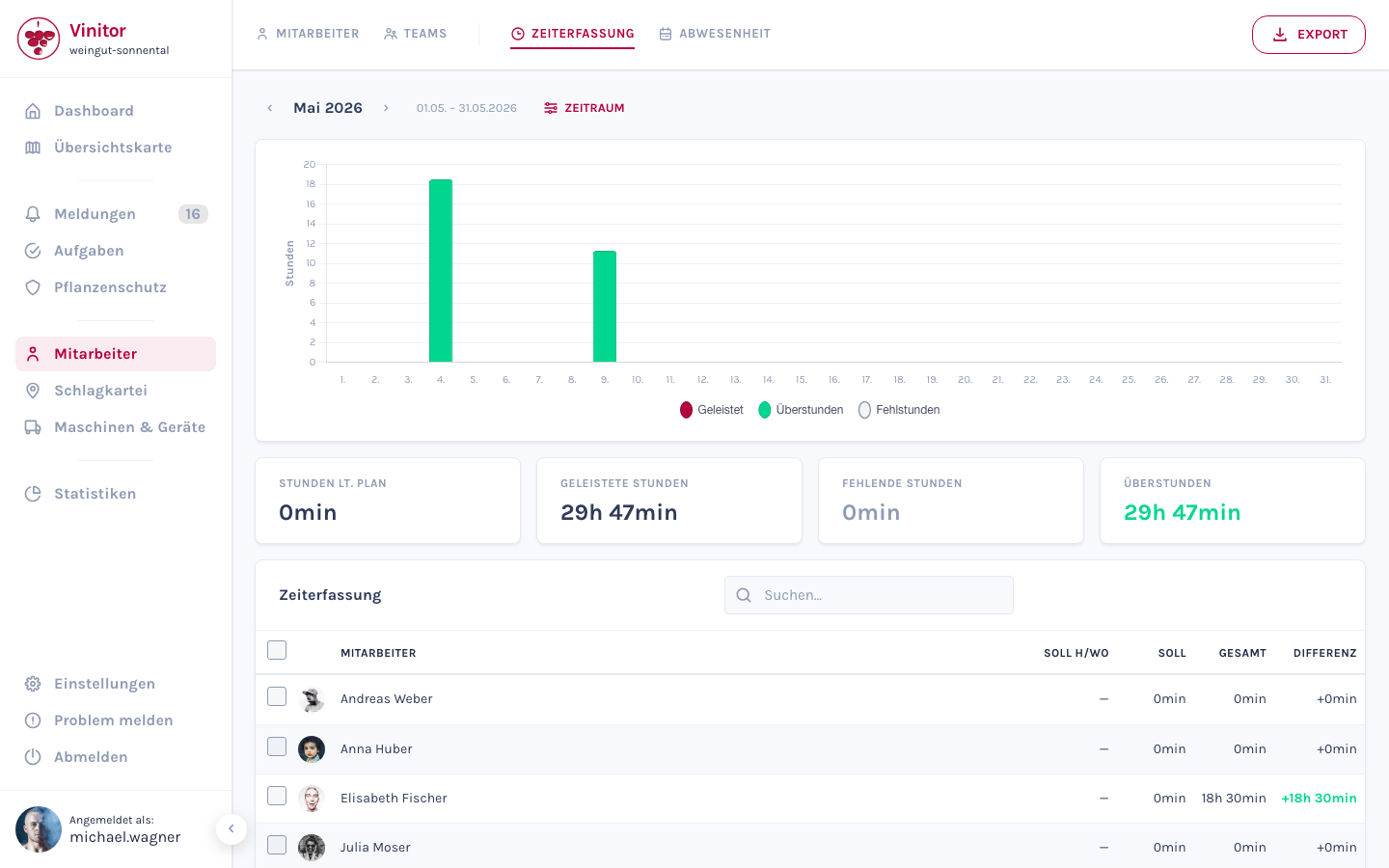
The GPS & time tracking area includes three core functions: GPS tracking to record work paths in the mobile app, time tracking for daily target/actual evaluation of working hours, and absence management for leave and sick leave requests. Employees record their data in the mobile app, administrators evaluate it in the dashboard.
Core functions
Section titled “Core functions”| Function | Description | Available in |
|---|---|---|
| GPS tracking | Recording of work paths and distances in the vineyard, basis for task suggestions | Mobile app |
| Time tracking | Daily working hour recording with start/stop, target/actual comparison based on working time models | Mobile app, Dashboard |
| Absence management | Request leave and sick leave, approve and manage in calendar | Mobile app, Dashboard |
Interaction
Section titled “Interaction”The three functions work together:
- GPS tracking → Task suggestions — Recorded GPS paths are matched against vineyard polygons. This creates automatic task suggestions that you can convert to real tasks with one click.
- Time tracking → Working time models — The target/actual comparison is based on the assigned working time model of the employee. Without a working time model, no target hours are calculated.
- Absences → Weekly schedule — Approved leave and sick days flow into the weekly schedule of time tracking and automatically reduce target hours.
Permissions
Section titled “Permissions”Access is controlled via roles:
| Permission | Description |
|---|---|
| GPS_TRACKING_READ | View GPS tracking data |
| GPS_TRACKING_WRITE | Start and stop GPS tracking in mobile app |
| TIME_TRACKING_READ | View time tracking data |
| TIME_TRACKING_EXPORT | Export time tracking data as PDF or CSV |
| TIME_TRACKING_EDIT_OWN | Edit own time entries |
| TIME_TRACKING_EDIT_ALL | Edit time entries of all employees |
| LEAVE_REQUEST | Request leave and sick leave |
| LEAVE_APPROVE | Approve or reject requests |
Related pages
Section titled “Related pages” Start GPS tracking Step-by-step GPS tracking in the app
Time tracking Record working hours and evaluate target/actual
Annual leave & sick leave Request and manage absences
Task suggestions Automatic suggestions from GPS tracking
Working time models Configure target hours and weekly schedules
Roles Manage employee permissions
SUPPORT
Need help?
Our team is happy to help with any questions about Vinitor.
Available Mon–Fri, 8am–5pm