
Tasks — Overview
Task management is the central tool for day-to-day operations in Vinitor. Here you plan work, assign it to employees and vineyards, track progress and document completed work.
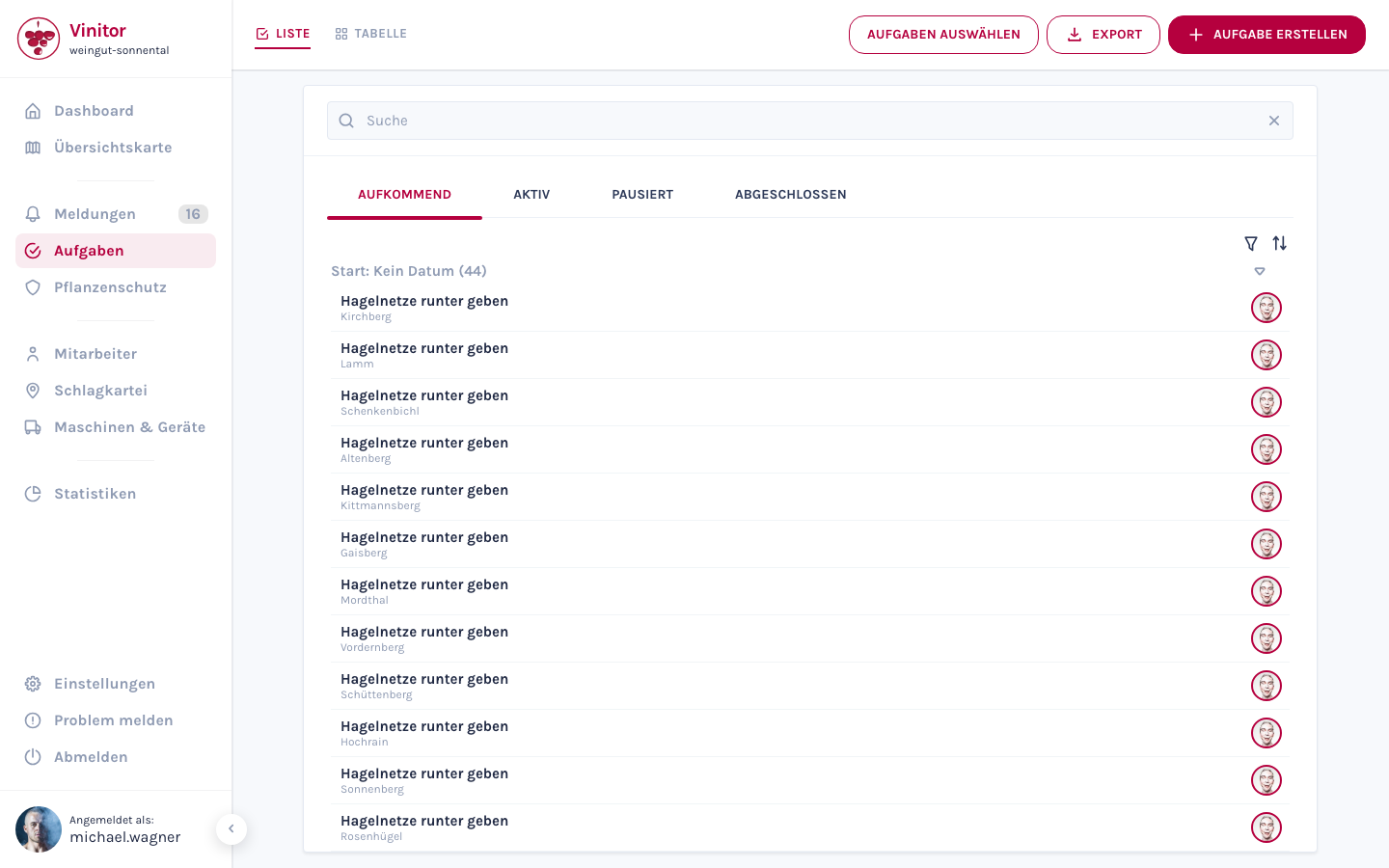
The starting point is the task overview. It doesn’t list individual tasks — it lists campaigns.
Campaigns — the organising principle
Section titled “Campaigns — the organising principle”A campaign is one pass of a task type across several vineyards — for example “Pruning” across 40 vineyards. When you create it, Vinitor creates one task per vineyard and bundles them into a campaign.
So you no longer plan 40 individual tasks, but one campaign with 40 vineyards — and still keep status, priority, target date and employees per vineyard.
| Level | What you see there |
|---|---|
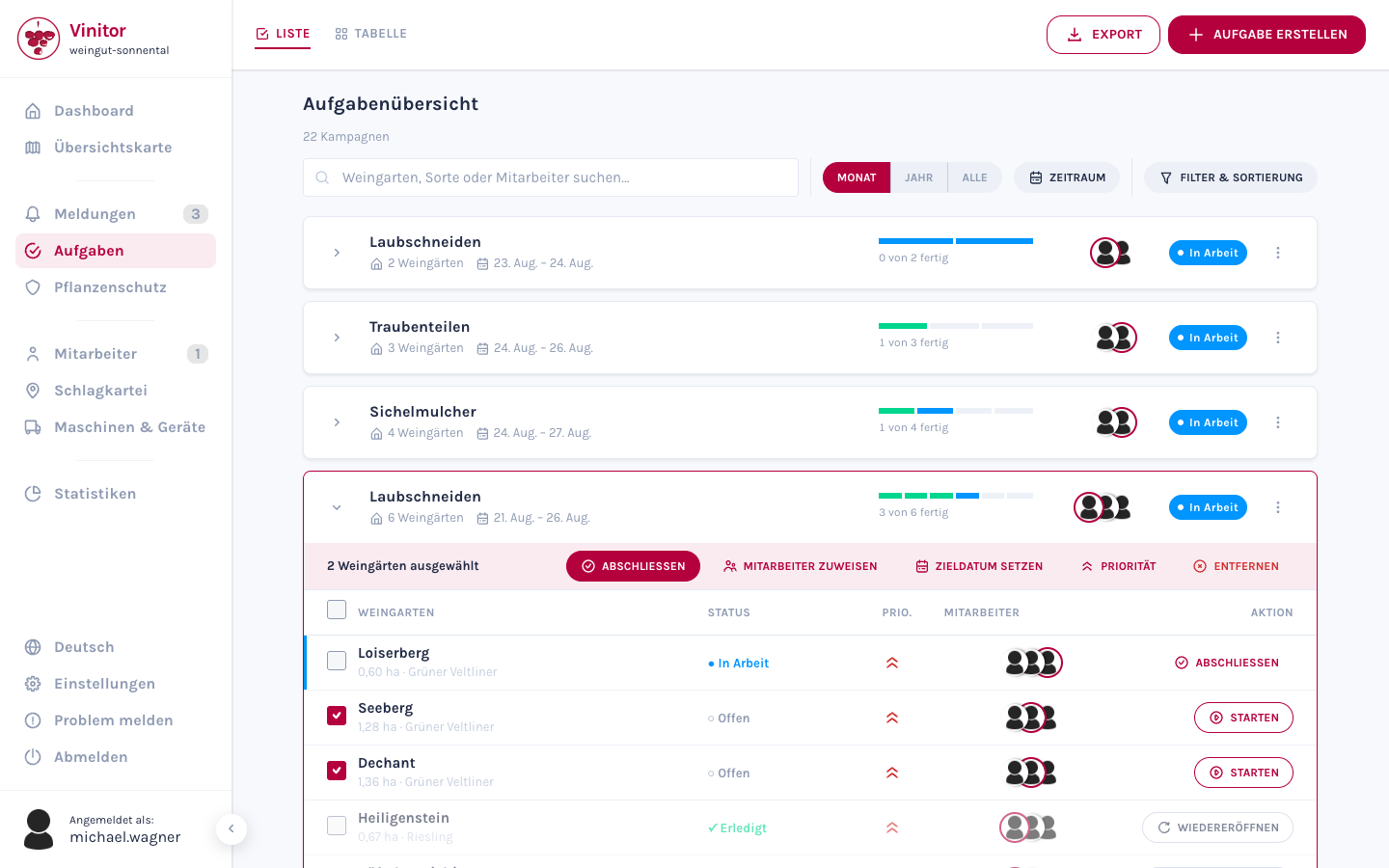
| Campaign | Task type, period, number of vineyards, overall progress, participating employees, status |
| Task | One campaign row per vineyard — with its own status, priority, target date and employees |
Click a campaign row to expand it. A table with all of the campaign’s vineyards appears underneath.
Two views
Section titled “Two views”The tasks page offers two views, switched via the List and Table toggle in the top left:
| View | Description |
|---|---|
| List | The task overview — all campaigns as expandable rows with progress bars |
| Table | The campaign matrix — vineyards as rows, campaigns as columns. Ideal for season planning and progress overview |
Details on both views are available under Task list & table.
Task lifecycle
Section titled “Task lifecycle”Every task goes through a lifecycle with three statuses:
| Status | Description |
|---|---|
| Upcoming | Task is planned but not yet started |
| In Progress | Task is currently being worked on |
| Done | Task is complete |
Allowed status transitions
Section titled “Allowed status transitions”Not every status can change into every other. The following transitions are possible:
| From | To |
|---|---|
| Upcoming | In Progress, Done |
| In Progress | Done |
| Done | In Progress |
So a task completed by mistake can be reopened. It goes back to In Progress — not to Upcoming. The action is called Reopen both in the expanded campaign and in the cell popover of the task table.
Status of a campaign
Section titled “Status of a campaign”The status a campaign shows is calculated from its tasks:
| Campaign status | Condition |
|---|---|
| Open | Not a single task has been started or completed yet |
| In progress | At least one task is in progress or already completed — but not all of them |
| Done | Every task in the campaign is completed |
So a campaign with 4 of 44 tasks done is In progress — no longer Open.
Priorities
Section titled “Priorities”Tasks can be given one of six priority levels:
| Priority | Use |
|---|---|
| Very High Priority | Highest urgency — takes precedence over everything else |
| High Priority | Urgent — requires immediate attention |
| Medium Priority | Should be done soon |
| Low Priority | Can wait, but shouldn’t be forgotten |
| Very Low Priority | Only when there is spare capacity |
| No Priority | Default value — no particular urgency |
The order in this table is also the sort order: when sorting by priority, Very High comes first and No Priority last.
The priority can be set in four places:
- when creating a task,
- on the task detail page in edit mode,
- in the cell popover of the task table,
- in bulk for several vineyards via the action bar of an expanded campaign.
Detail view
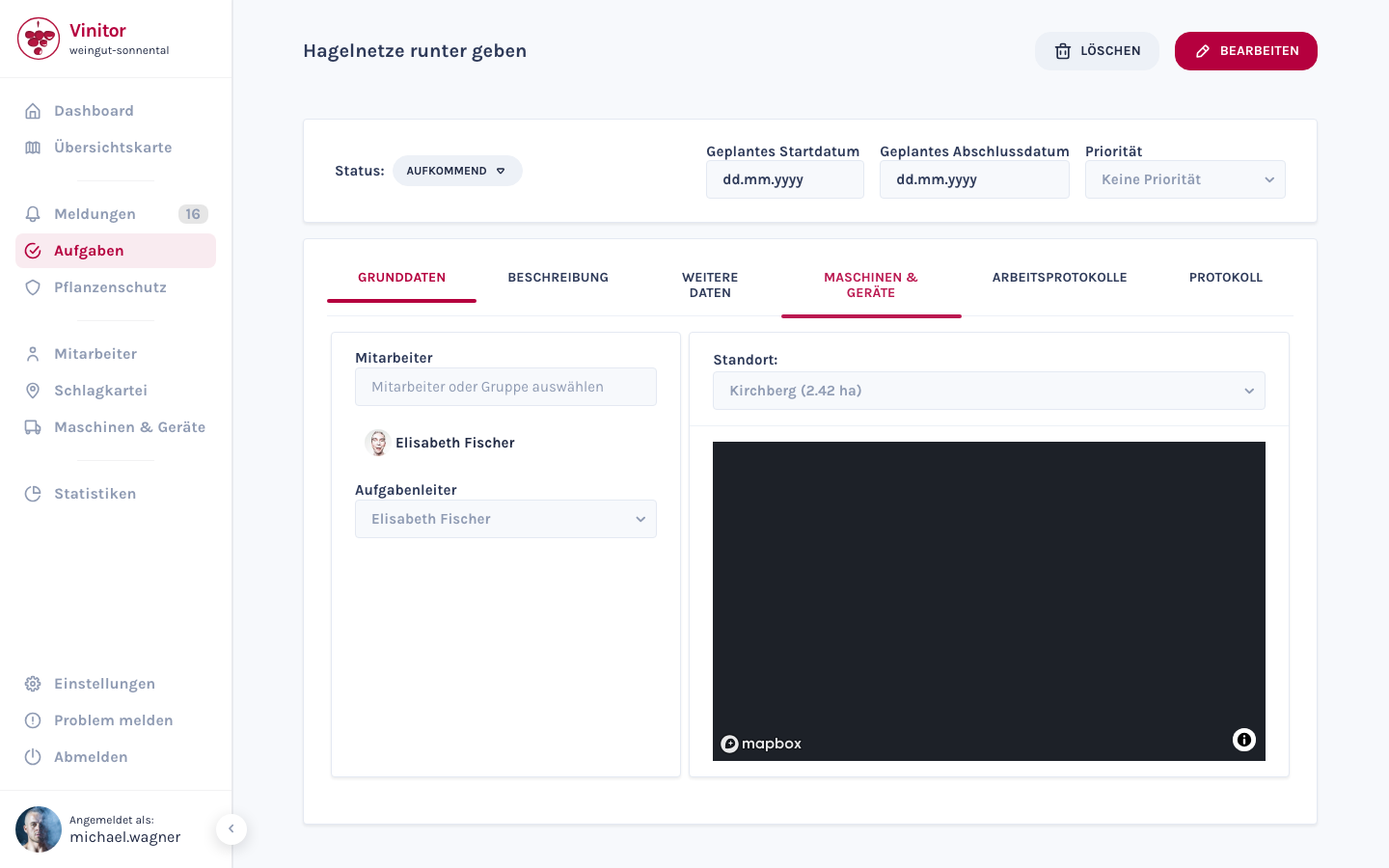
Section titled “Detail view”Click a task to open the detail view. The top area shows the status, planned start and completion date, and the priority. Below that you’ll find the following tabs:
| Tab | Content |
|---|---|
| Basic data | Assigned employees, task lead, vineyards with map view |
| Description | Free-text description of the task |
| Additional data | Custom fields depending on the task type |
| Machinery & equipment | Assigned machinery & equipment |
| Work logs | Recorded working time and GPS tracking data |
| Log | Chronological change log of the task |
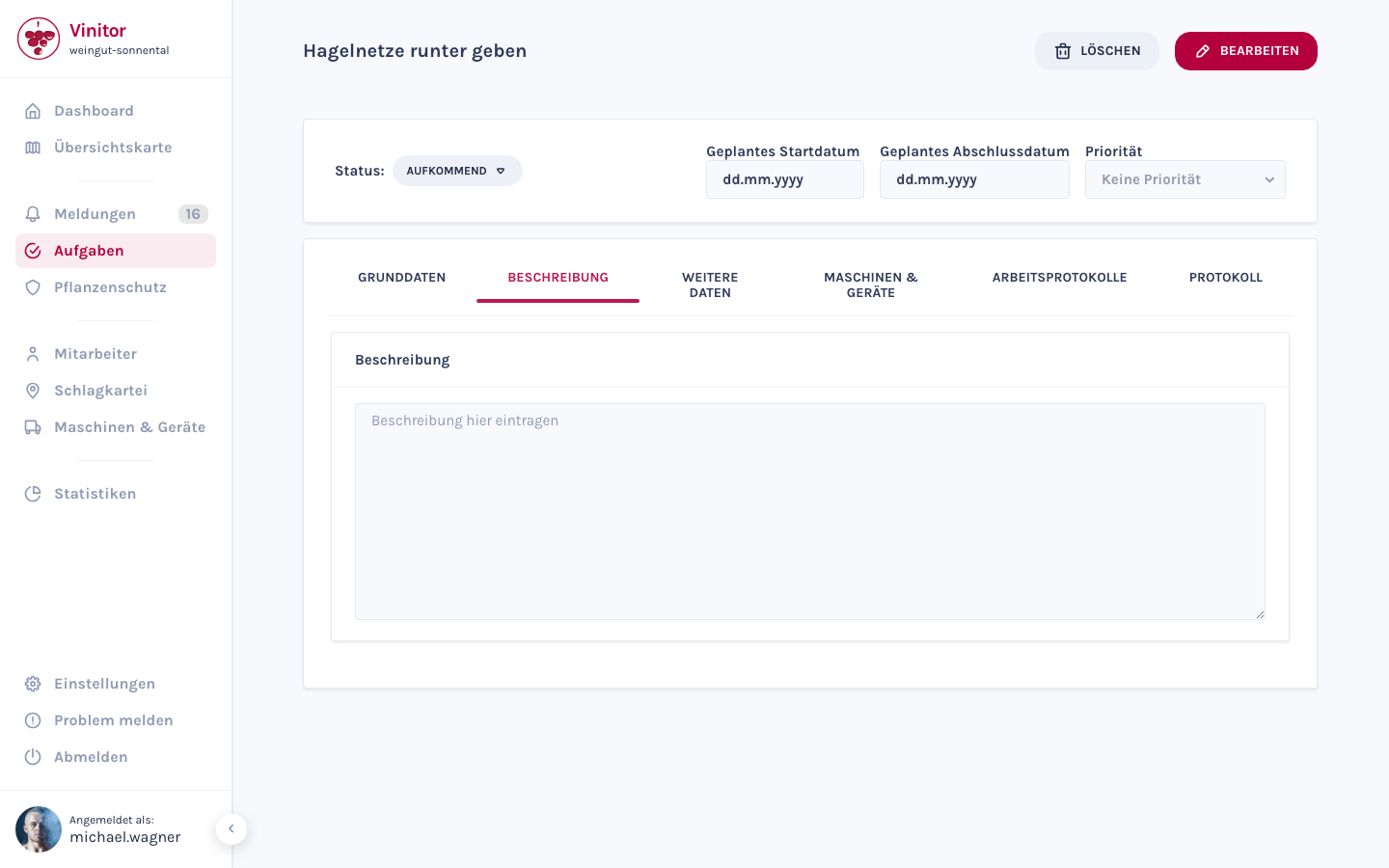
The Log tab records every status change, assignment and date change in chronological order.
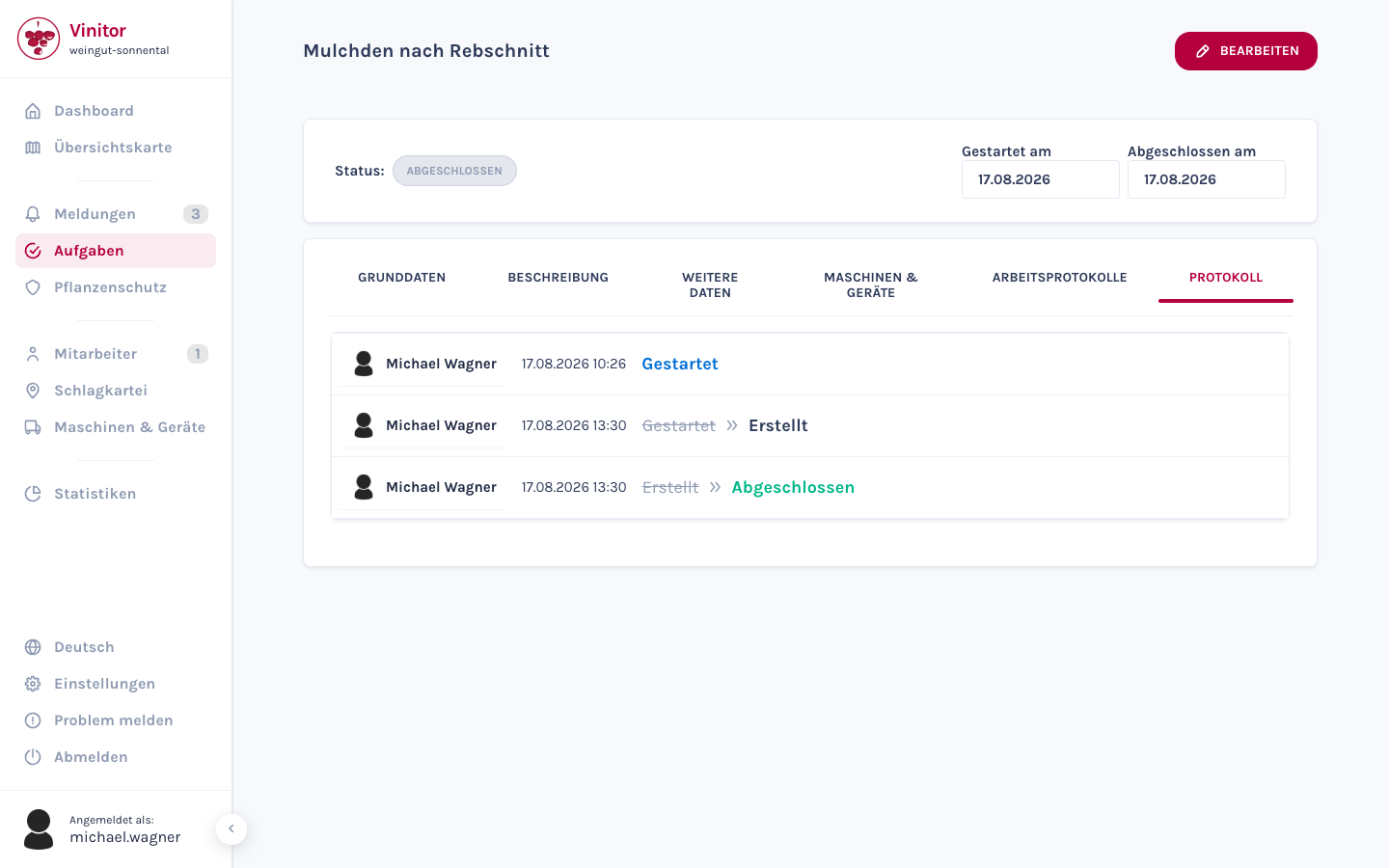
Tasks of type Plant protection show an additional tab for the plant protection records. More on this under Task types.
Use the status button next to Status: to change the status of the task. Reopening a completed task does not happen here, but in the expanded campaign or in the cell popover of the task table.
Permissions
Section titled “Permissions”Access to task management is controlled via roles:
| Permission | Description |
|---|---|
| TASK_READ | View tasks |
| TASK_WRITE | Create and edit tasks |
| TASK_DELETE | Delete tasks |
| TASK_TABLE_READ | Use the table view |
Mobile app
Section titled “Mobile app”In the mobile app, your employees have access to the following task features:
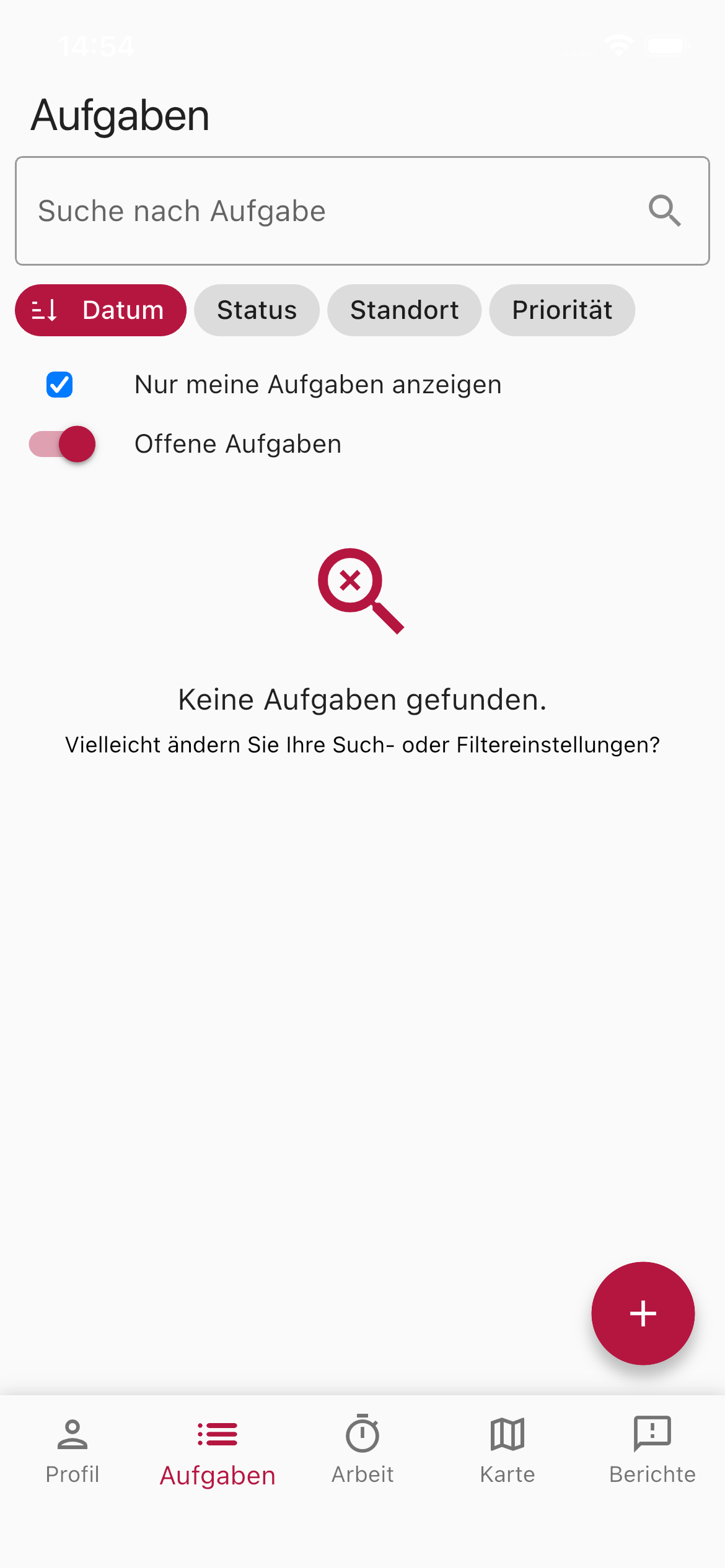
- Search tasks — Searchable list of all tasks with a search field and grouping by date, status, location, priority or campaign.
- Show only my tasks — Toggle to show only your own tasks. Business managers and administrators start without this filter by default and therefore see all of the business’s tasks; employees still start with their own.
- Open tasks — Filter for tasks that aren’t yet done.
- Set priority — All six priority levels can be set directly in the app — when creating a task and in the task detail view.
- Campaign in the detail view — The task detail view shows the associated campaign along with its progress (e.g. 3 of 12 open).
- Create task — Create new tasks directly in the field via the plus button.
- GPS tracking — Record working time and route while working on a task.
Related pages
Section titled “Related pages”SUPPORT
Need help?
Our team is happy to help with any questions about Vinitor.