
FIONA (Baden-Württemberg)
This guide shows you how to export your area data (shape files) from the FIONA system (Flächeninformation und Online-Antrag — area information and online application) of Baden-Württemberg, and import it into Vinitor.
Export from FIONA
Section titled “Export from FIONA”-
Log in to FIONA
Visit fiona-g.landbw.de and log in with your registration number and password.
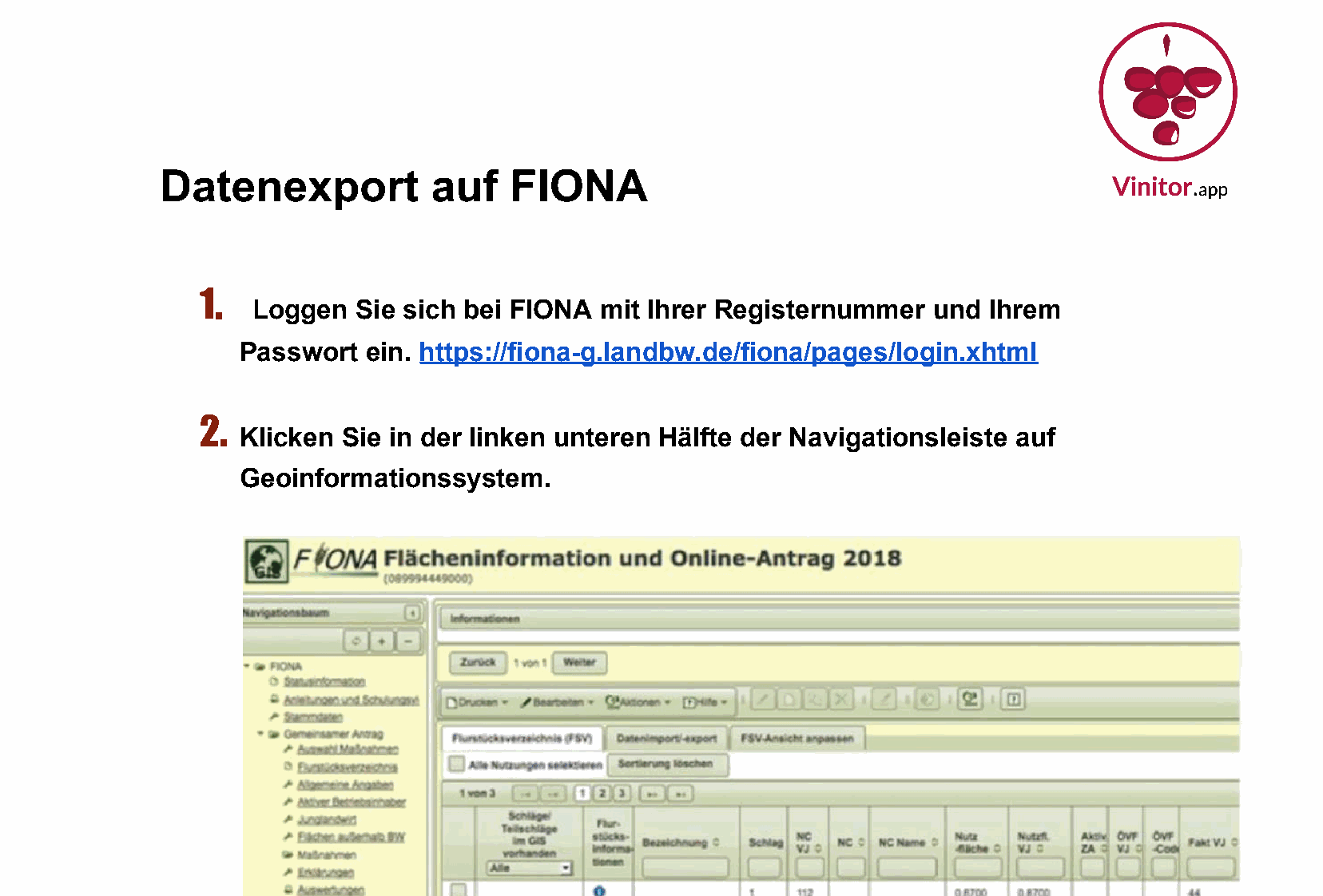
-
Open the geoinformation system
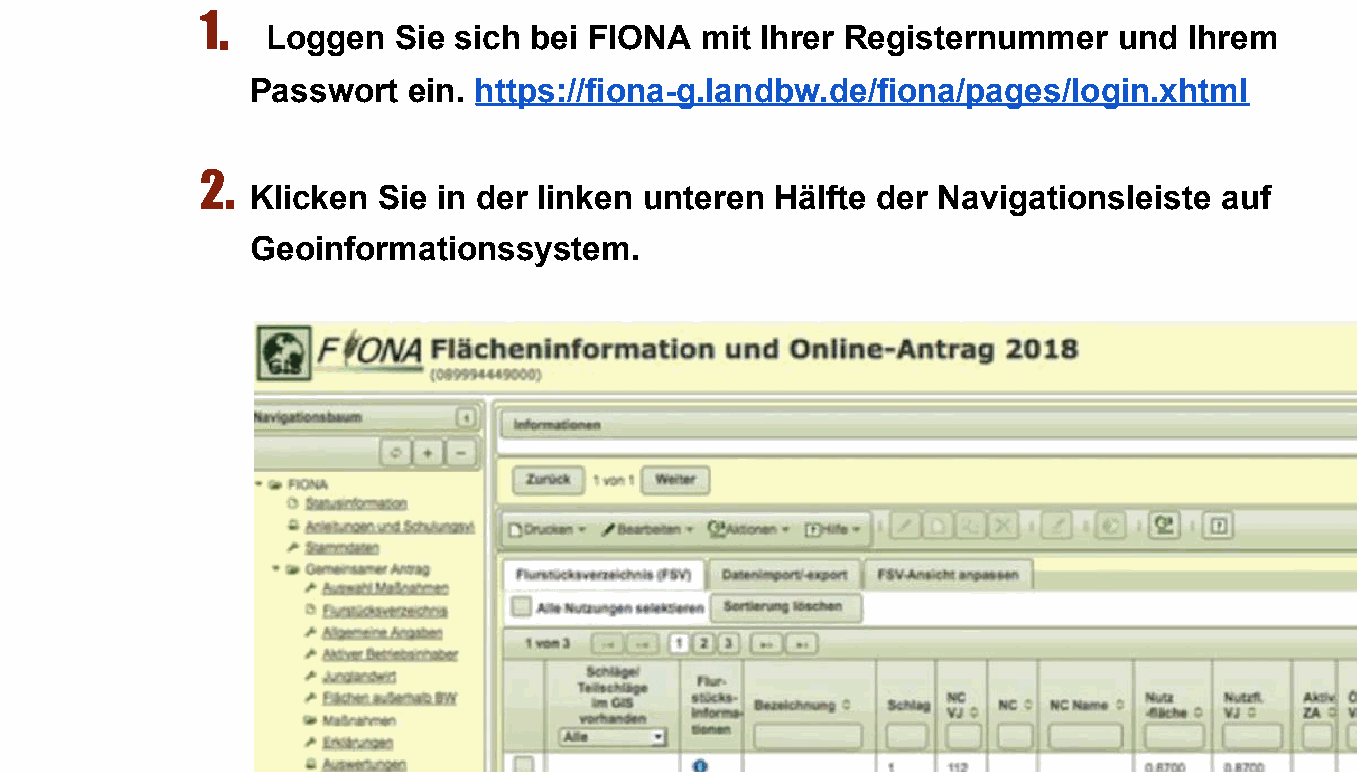
In the lower-left part of the navigation bar, click “Geoinformationssystem” (geoinformation system). A new window opens with the map view of your areas.
-
Open the menu
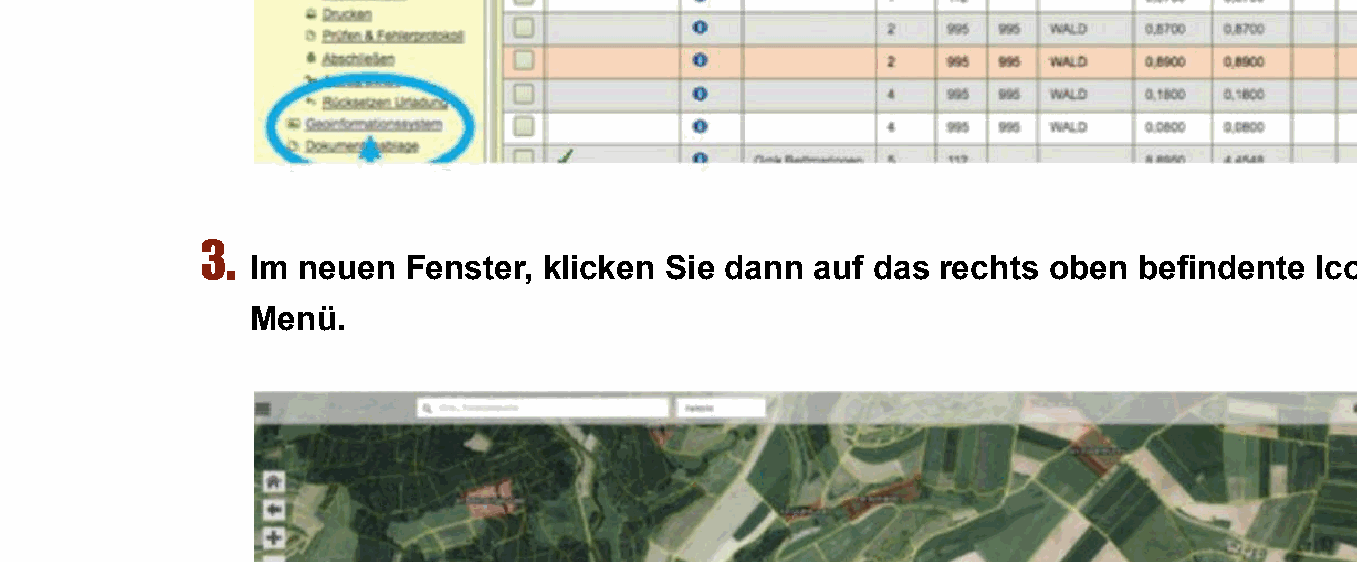
In the new GIS window, you’ll see a map view of your areas. Click the menu icon (three lines / hamburger menu) in the top right of the map view.
-
Start the export
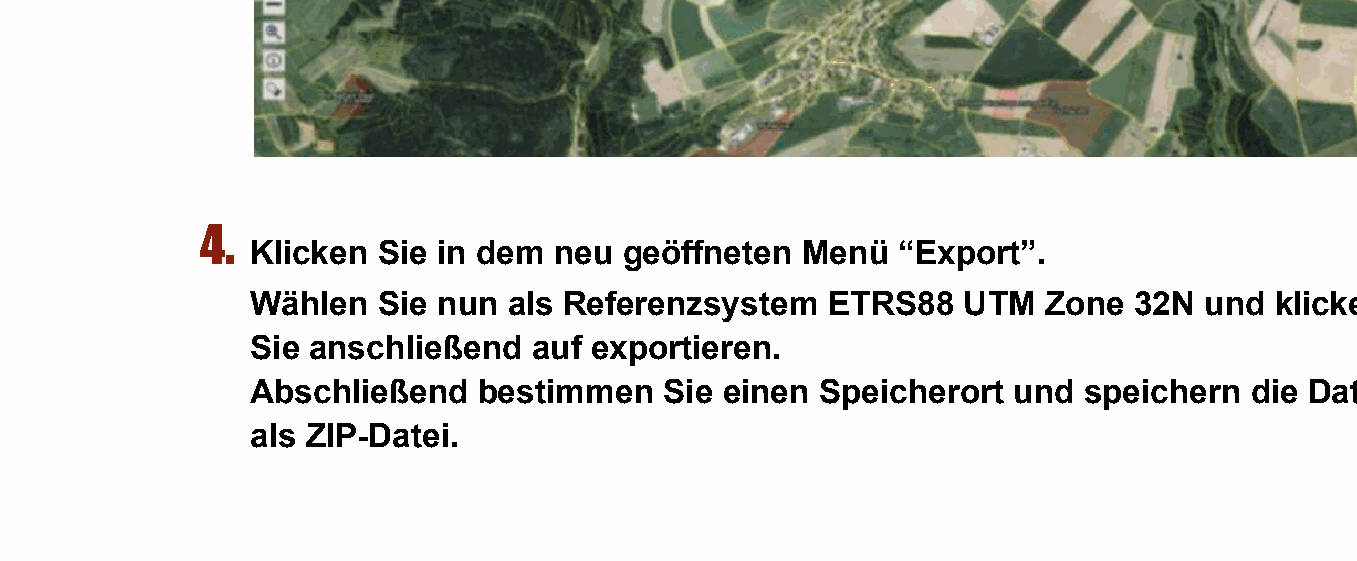
In the opened menu, click “Export”. Select “ETRS88 UTM Zone 32N” as the reference system and click “Exportieren”.
-
Save the ZIP file
Choose a save location you can easily find again, and save the file as a ZIP file.
The ZIP file contains the following shapefile components:
*.shp— Geometry data of the plots*.shx— Spatial index*.dbf— Attribute data with plot number, land use, area, etc.*.prj— Coordinate system (ETRS89 / UTM Zone 32N)
-
Import the ZIP file into Vinitor
Open the Vinitor Dashboard and navigate to the Field record book. Click Import in the top right, select FIONA (Baden-Württemberg) as the import source, upload the ZIP file and click “Import”.
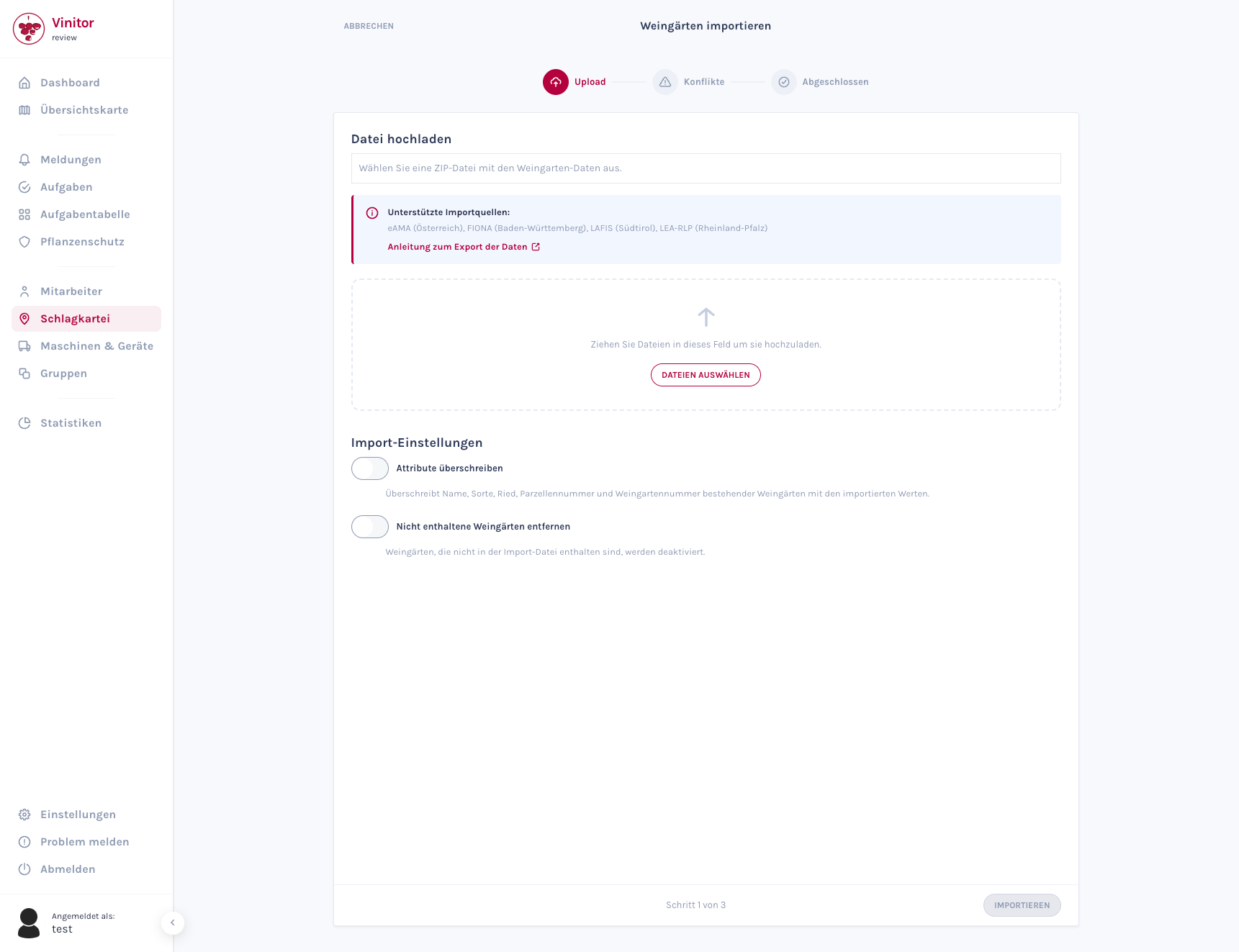
The wizard guides you through the import in three steps. For detailed information about the import wizard, see Import vineyards.
Frequently asked questions
Section titled “Frequently asked questions”I can’t log in to FIONA — what should I do? Check your registration number and password. If you have problems, contact your responsible agricultural office in Baden-Württemberg.
The “Geoinformationssystem” menu item is missing — what can I do? Make sure you have an active Single Application (Gemeinsamer Antrag) for the current application year. GIS access is only available while an application is active.
Which reference system should I choose? Select “ETRS88 UTM Zone 32N” (EPSG:25832). This coordinate system is supported by Vinitor and is the standard for Baden-Württemberg.
Can I use FIONA from other federal states too? FIONA is the application system for Baden-Württemberg. Other federal states have their own systems (e.g. LEA in Rhineland-Palatinate). Contact us at support@vinitor.app — we’re happy to help.
SUPPORT
Need help?
Our team is happy to help with any questions about Vinitor.