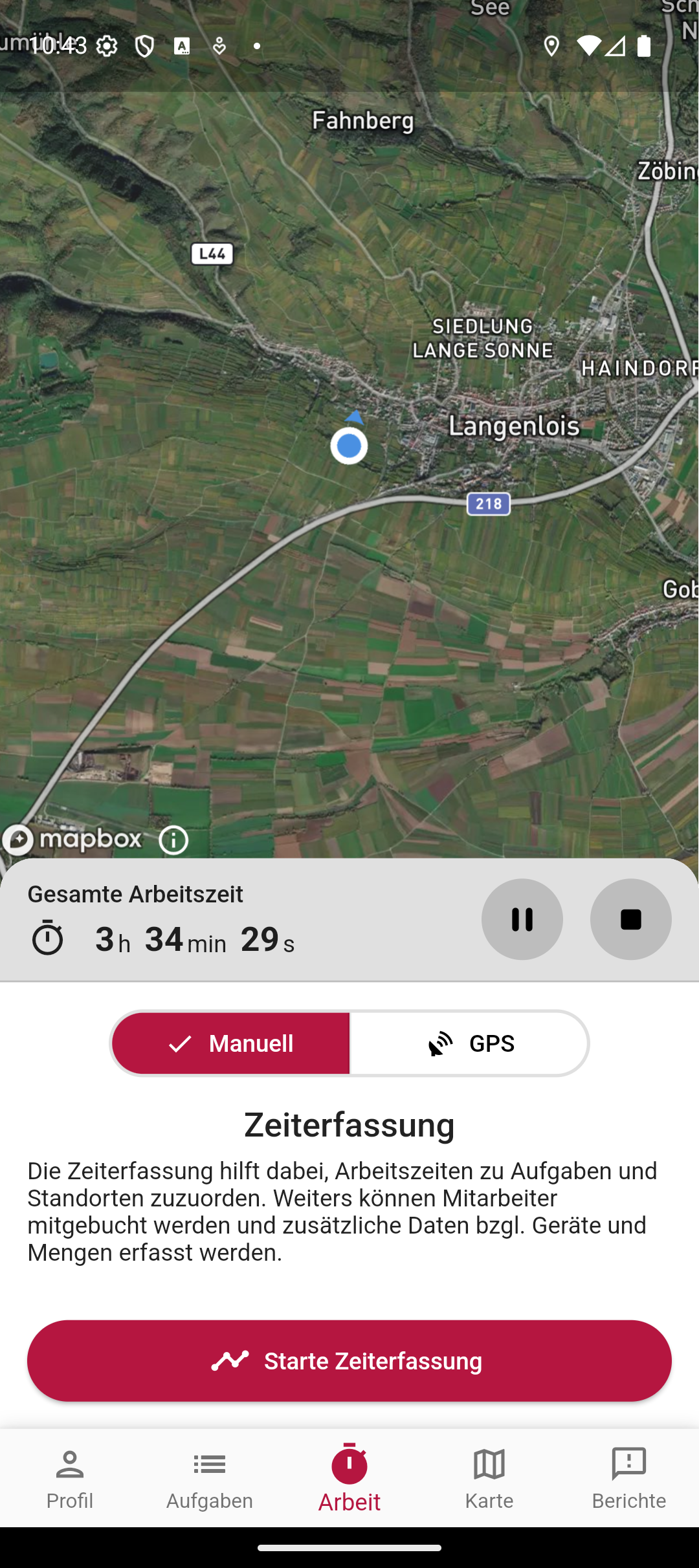
GPS tracking records positions in the background — but until now there was no way to view the recorded data. What was recorded today? How long was the session? Where exactly were working times assigned?
The new tracking sessions make this transparent. The working day begins with clocking in — from then on the session runs with a start, end and duration, pausable at any time:
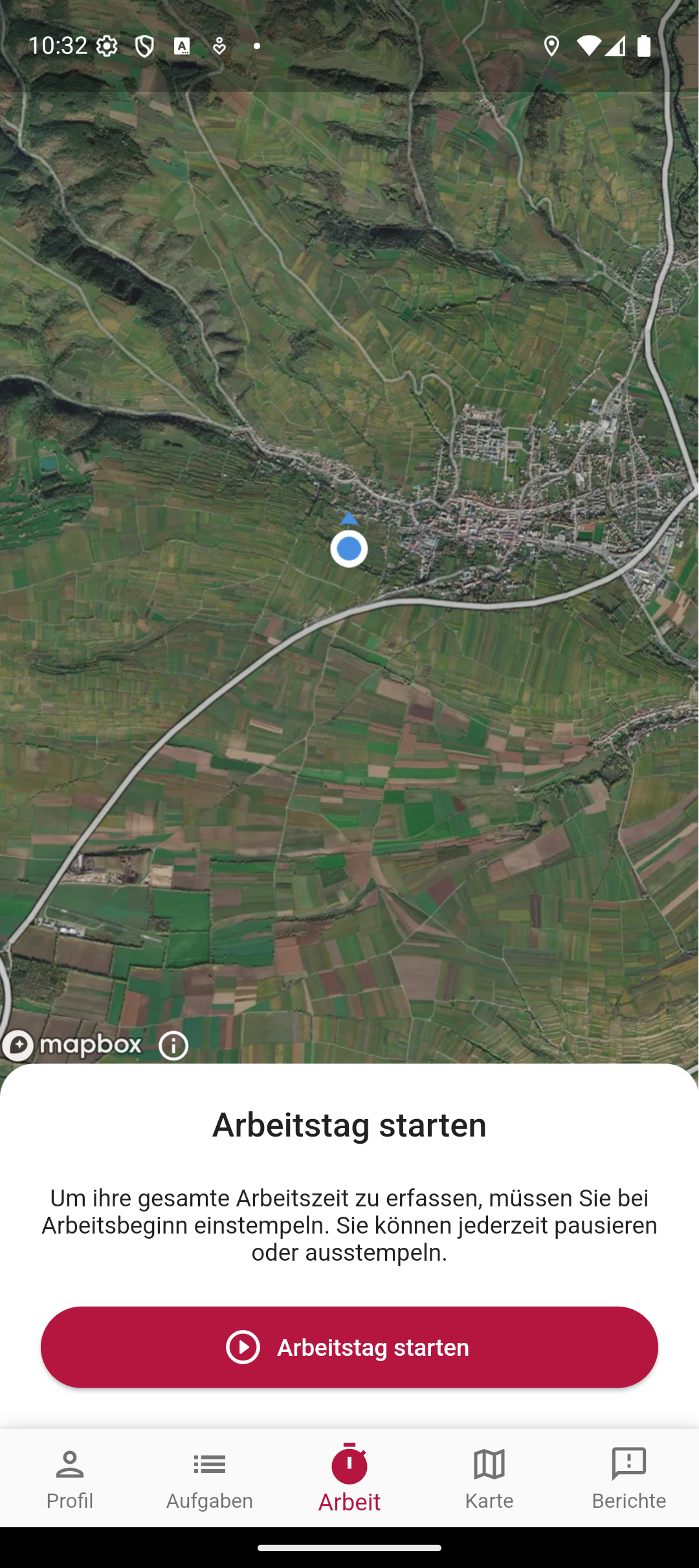
The running session shows the total working time to the second, with pause and stop controls right next to it. This is also where time tracking starts, which assigns working times to tasks and locations — manually or via GPS:
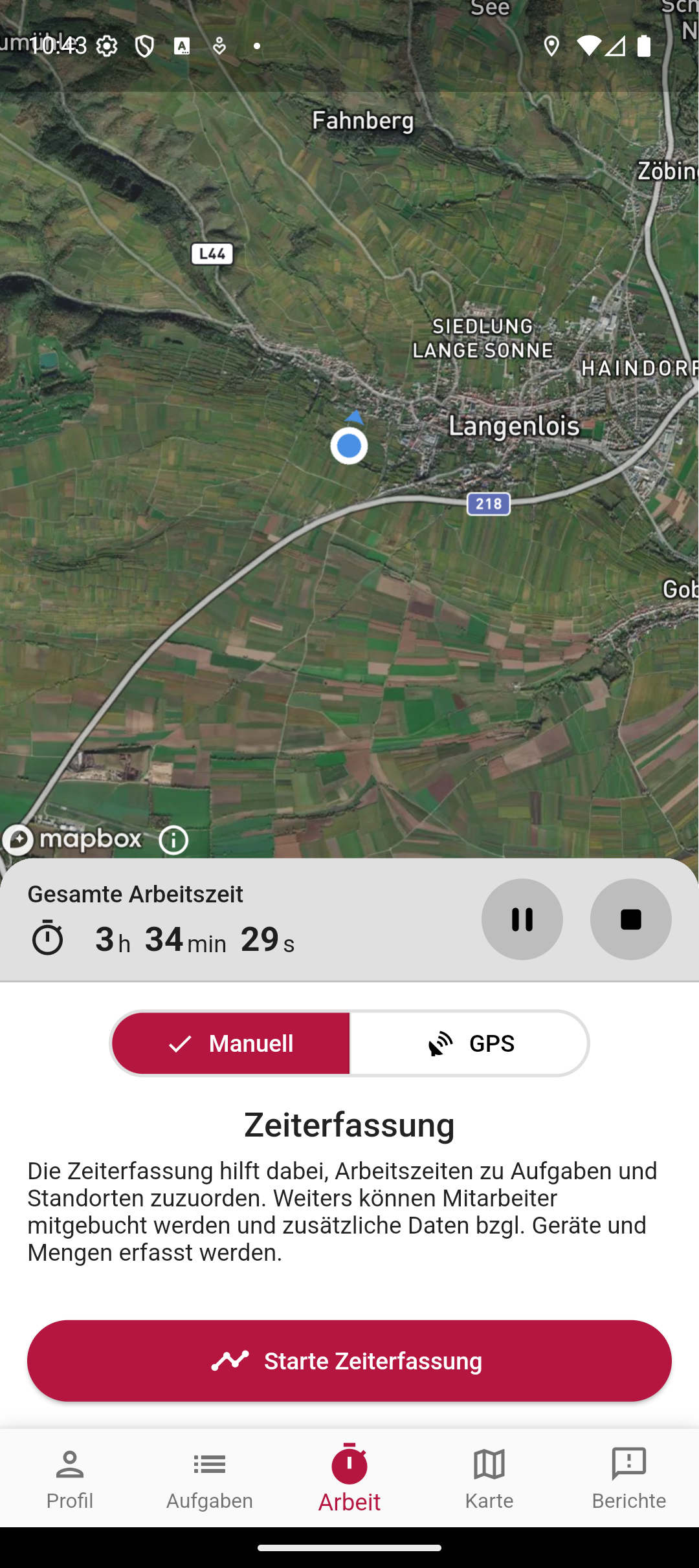
New users now get a guided onboarding flow. Instead of clicking through the app on their own, the flow shows the most important functions: set up a profile, find tasks, start GPS tracking. This reduces follow-up questions and speeds up the learning curve.
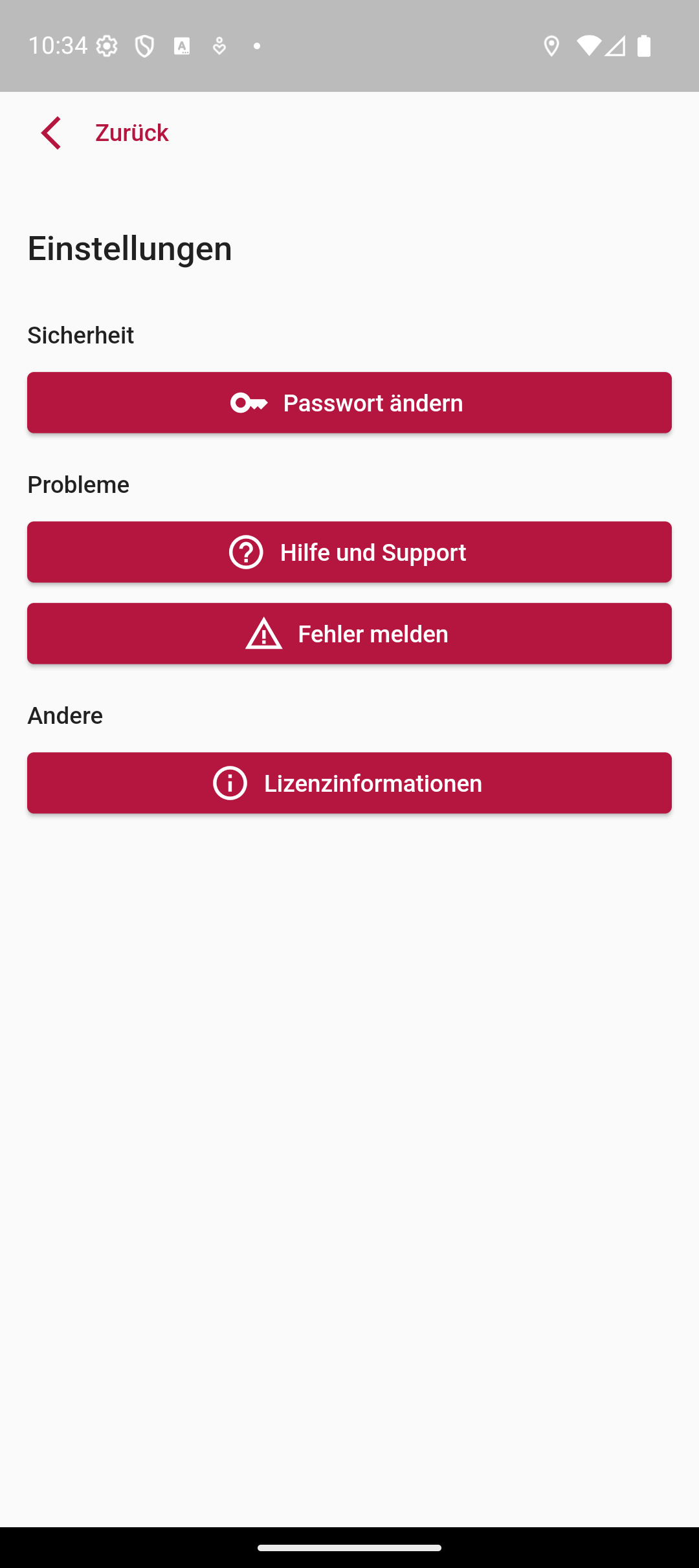
The translations have been completely reworked — more consistent terms, missing texts added and the structure prepared for future languages. On top of that comes a direct line to support: help and error reporting are now anchored in the app’s settings, and the dashboard also links to the external help page.
✨ Improvements
- Tracking sessions — view GPS paths with start, end and duration
- Onboarding flow for new users in the mobile app
- Complete reworking of all translations
- Profile improvements with new settings options
- Support-centre integration directly in the app
- Link to the external help page in the dashboard
- Task selection improvements
- Auth refactoring for a more stable login