When something goes wrong — a crash in the app, an error on the server — the team has to find out quickly. Until now, problems were often only discovered when a user got in touch. That is too late.
Sentry changes that. Errors are captured automatically — with full context: which app version, which device, what was the user just doing? Stack traces show exactly where in the code the problem lies. The system is active on all three platforms: server, dashboard and mobile app.
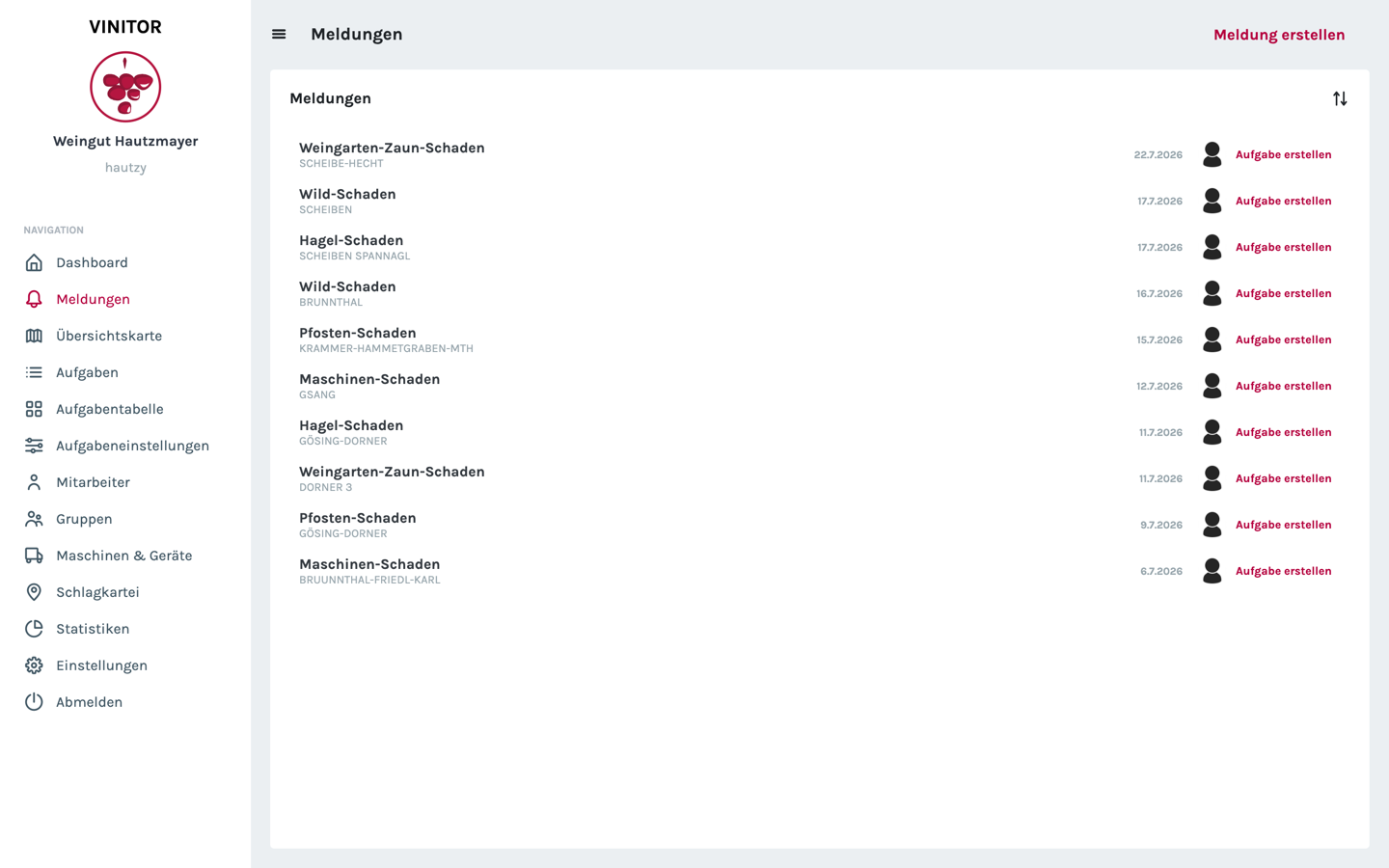
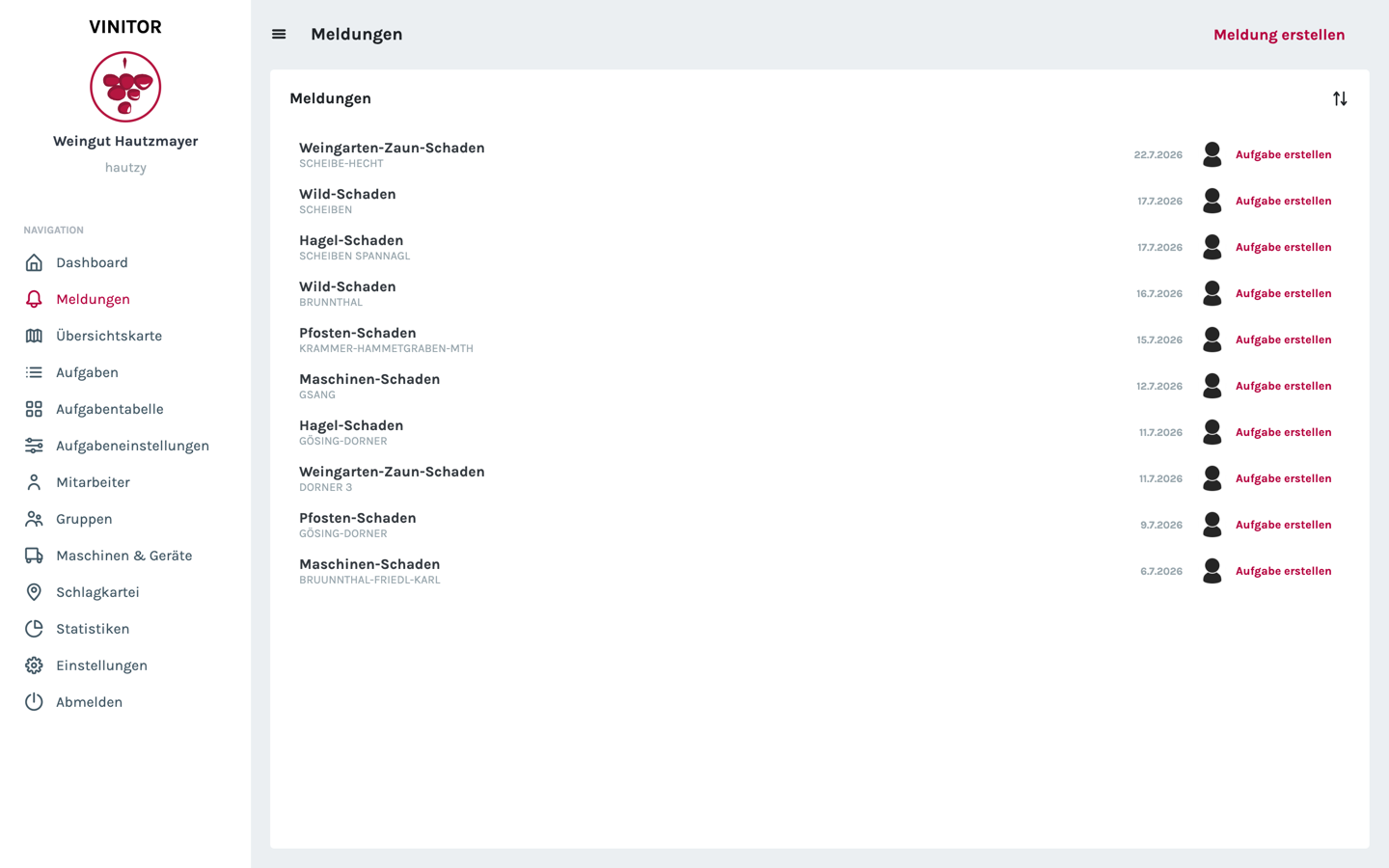
The damage reports have received an update too: reports can now be marked as done. That keeps the report list a clean backlog of work — what is fixed is ticked off, and an open report becomes a task with a single click:
Generic fields — the custom data fields per task type — now work in time tracking too. If a task has, for example, a “fertiliser amount” field defined, this value can be entered directly during working-time tracking.
✨ Improvements
- Sentry integration on the server, dashboard and mobile app
- Automatic error reporting with context and stack traces
- Permission dialog for GPS access in the mobile app
- Generic fields usable in time tracking
- Mark reports as done
- UI improvements in the dashboard — hitbox, date handling
- Several new translations