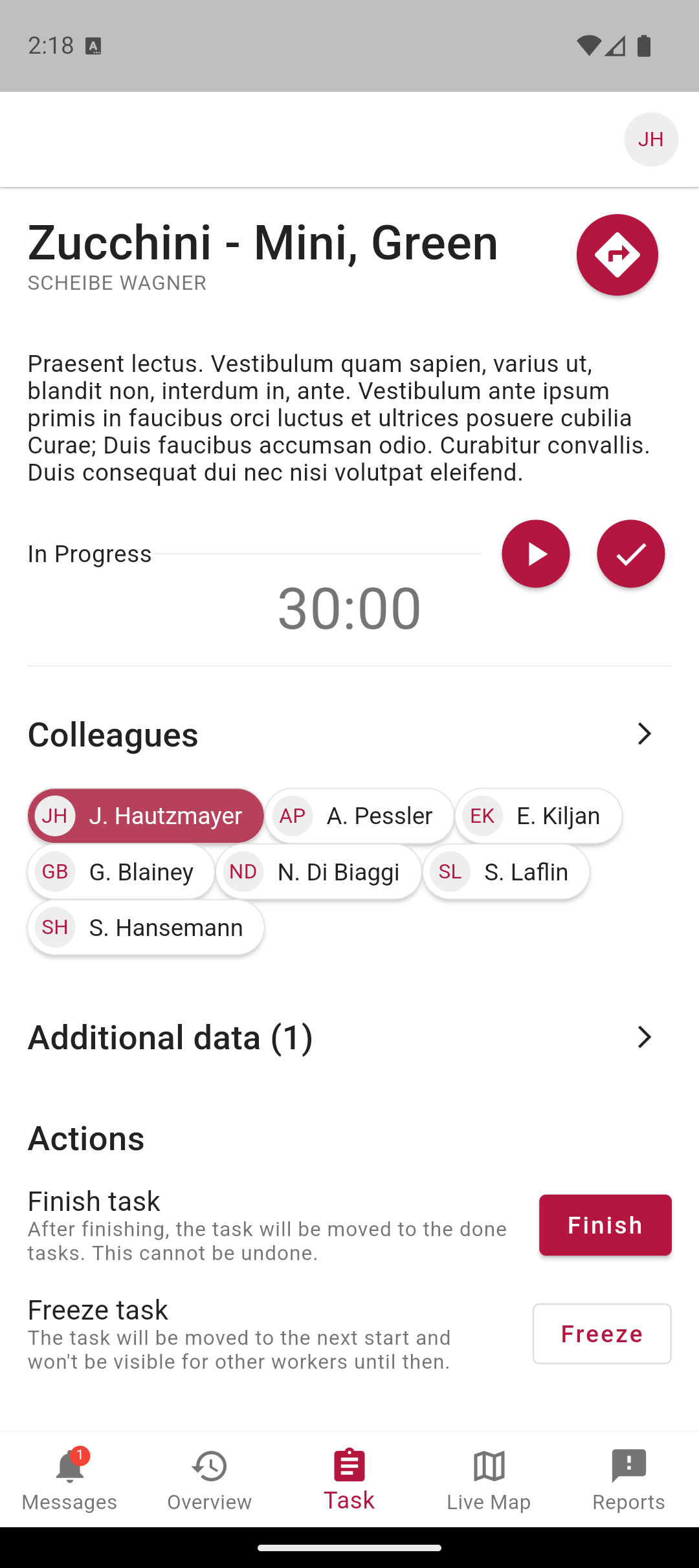
Four months after the launch of automatic time tracking comes the next update: pay changes are now documented as a history, the task list on the phone is grouped by day, and new reports can capture the current location directly.
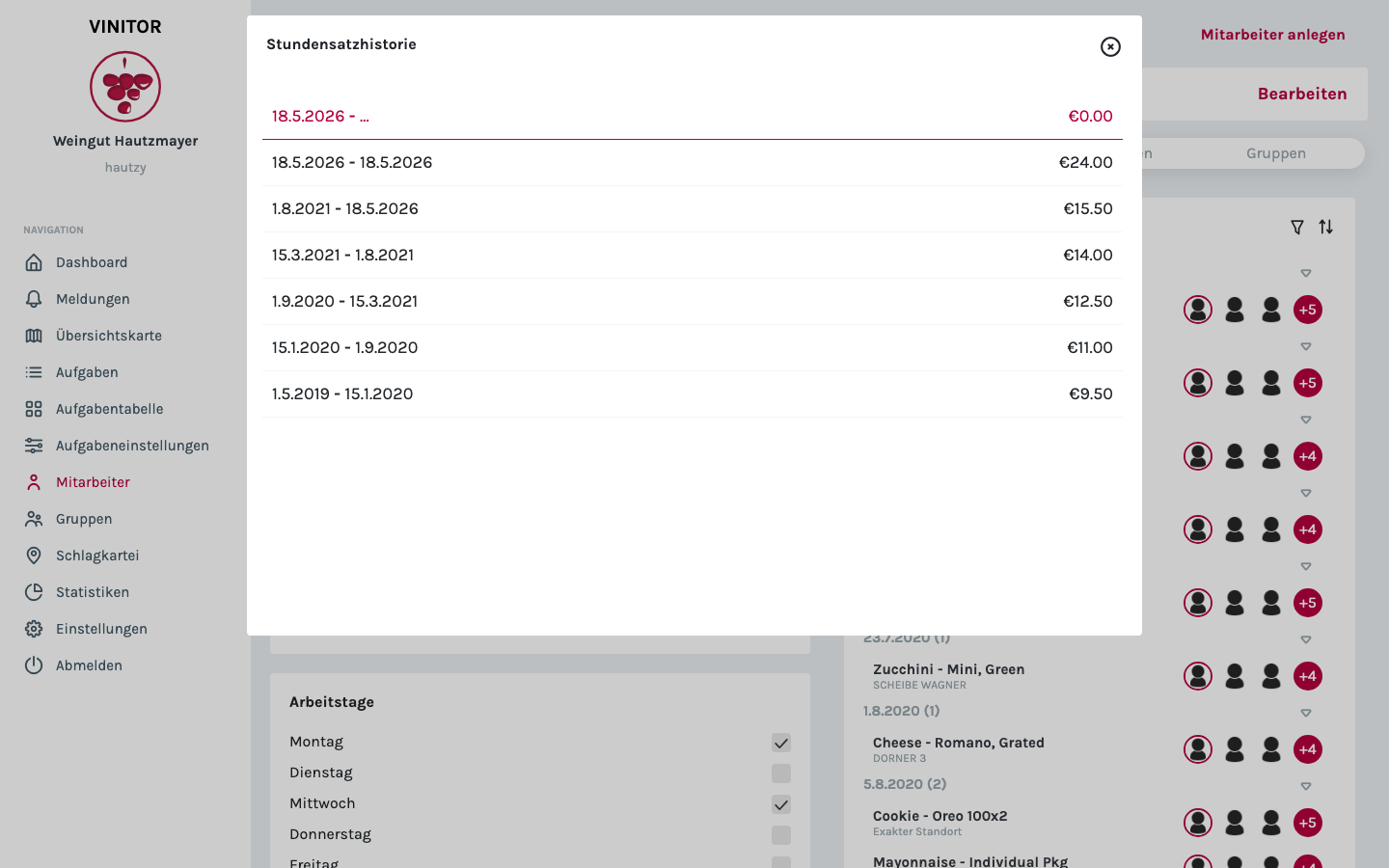
Salary history per employee
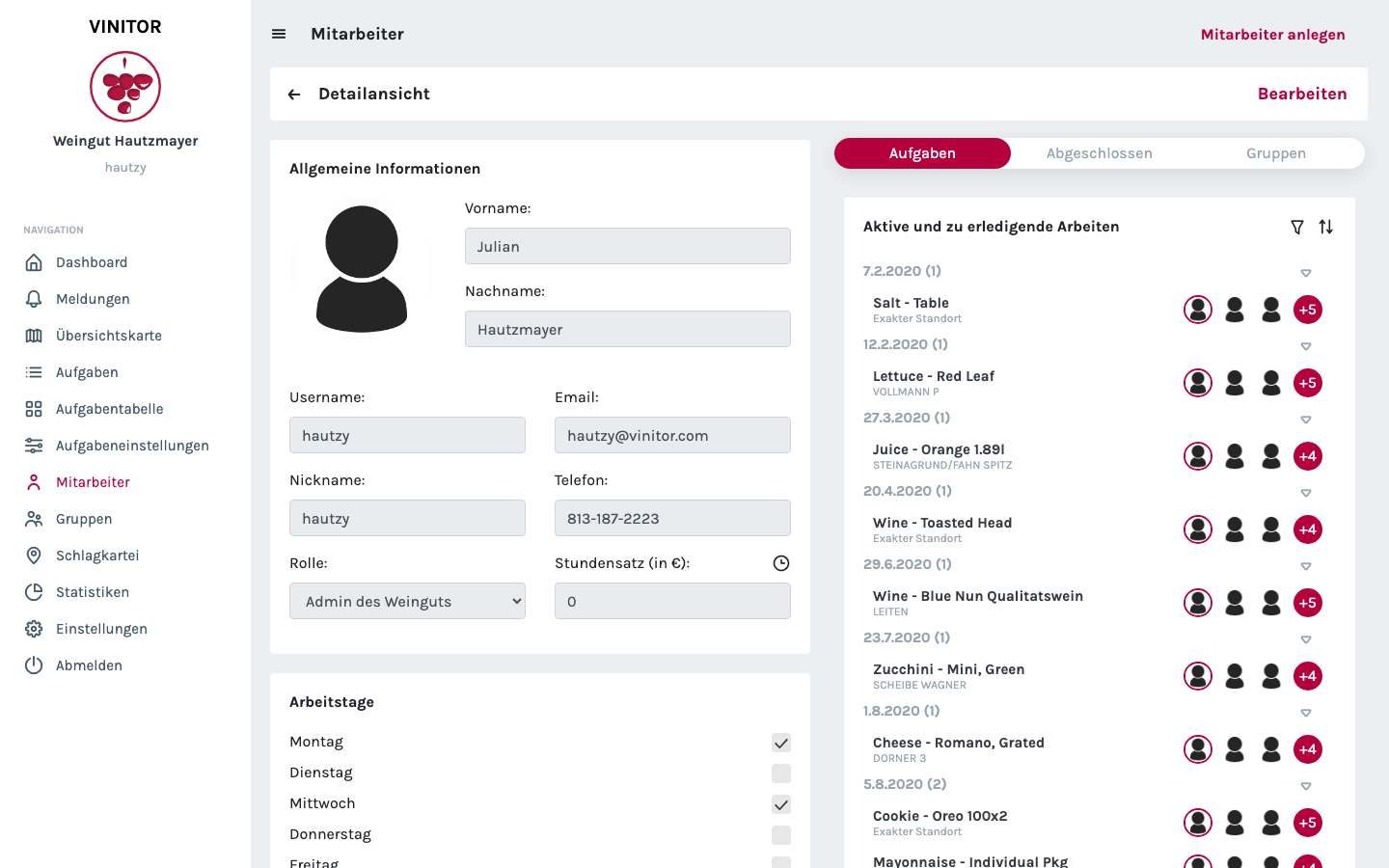
When an employee’s hourly rate, working-time model or contract type changes, that is now traceable. On the employee detail page, a click on the clock icon opens the salary history as a modal — with a period, pay and employment type per entry.
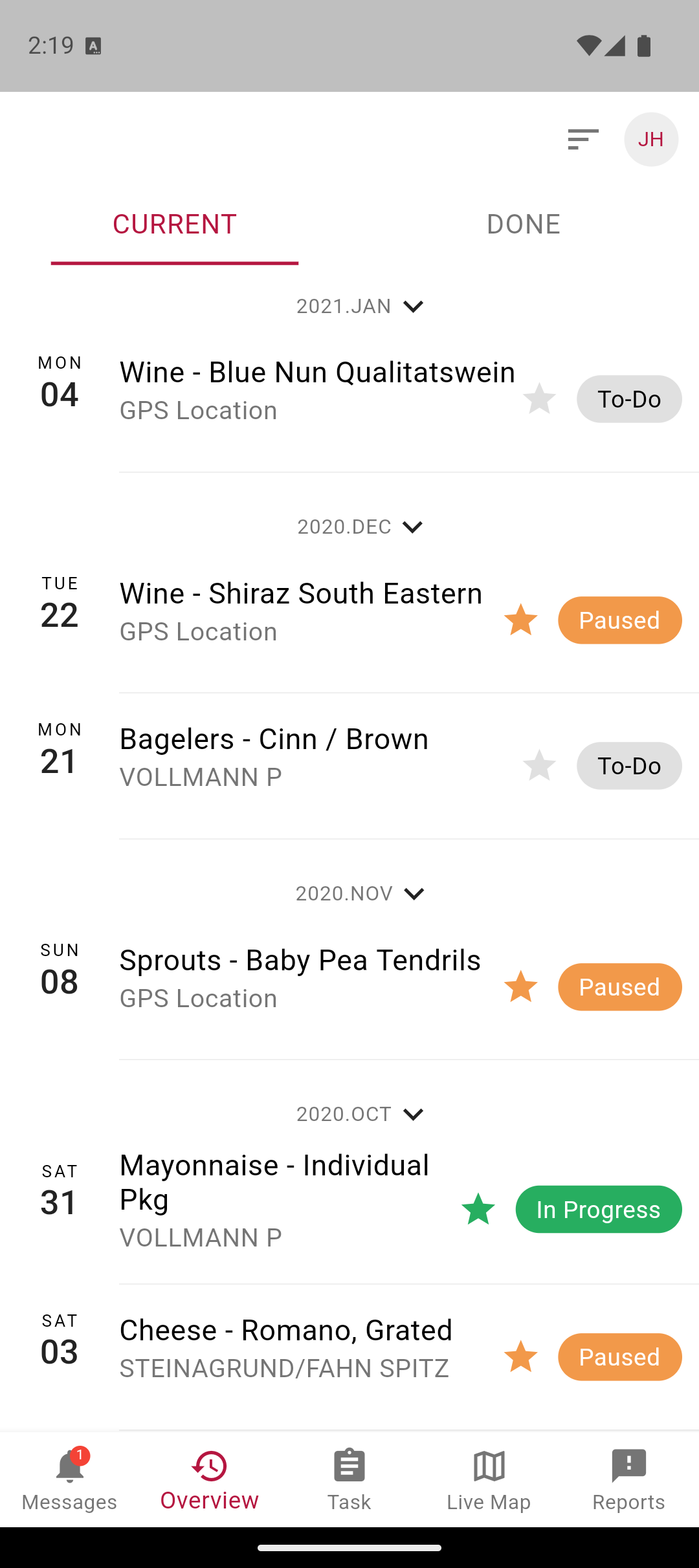
Tasks grouped by day
In the mobile app, the task list has a new structure: instead of a flat list, the entries are grouped by month and day. The weekday and the date can be read off directly at the left edge, the status — To-Do, In Progress, Paused, Done — on the right.
Location in reports
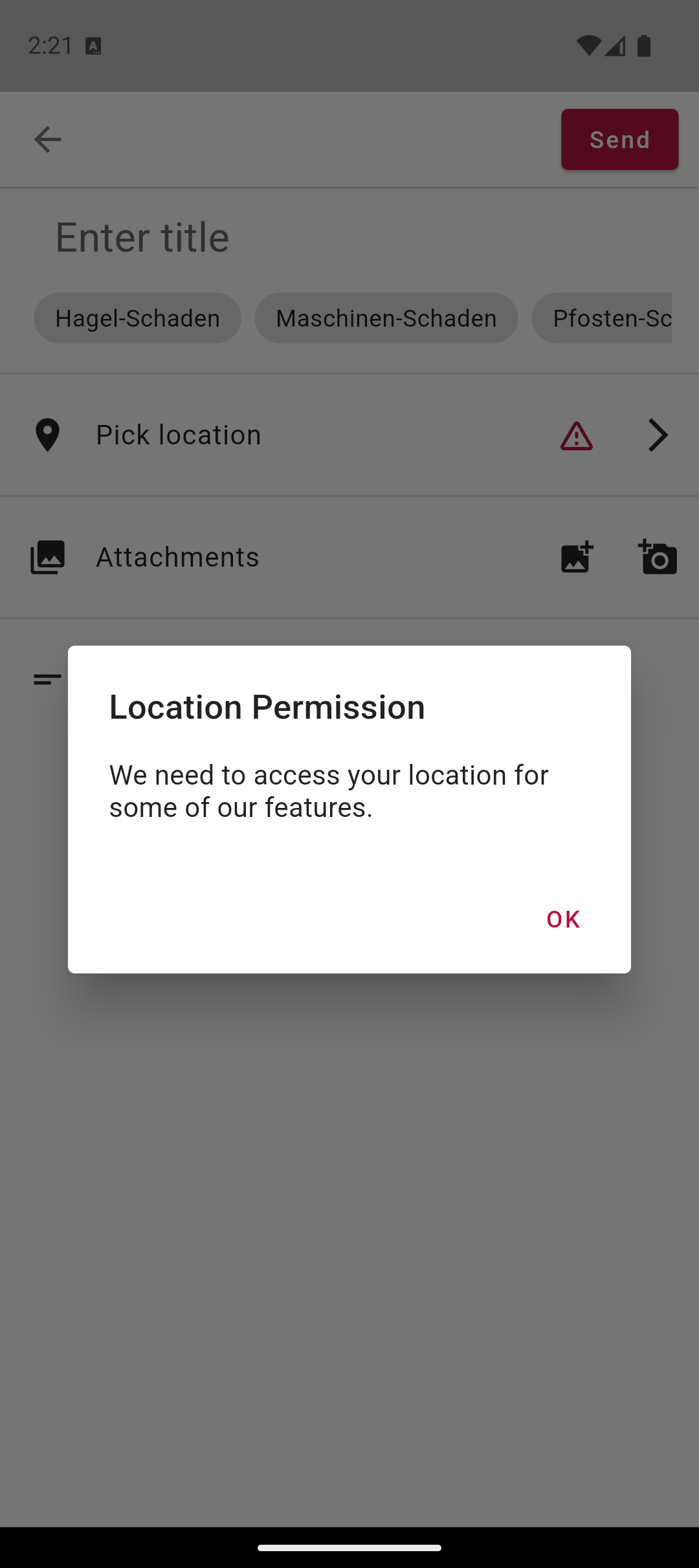
Anyone reporting damage or something noteworthy in a vineyard can now attach the current GPS location directly. On first use, the app asks for location permission; if the necessary system settings are missing, it suggests them.
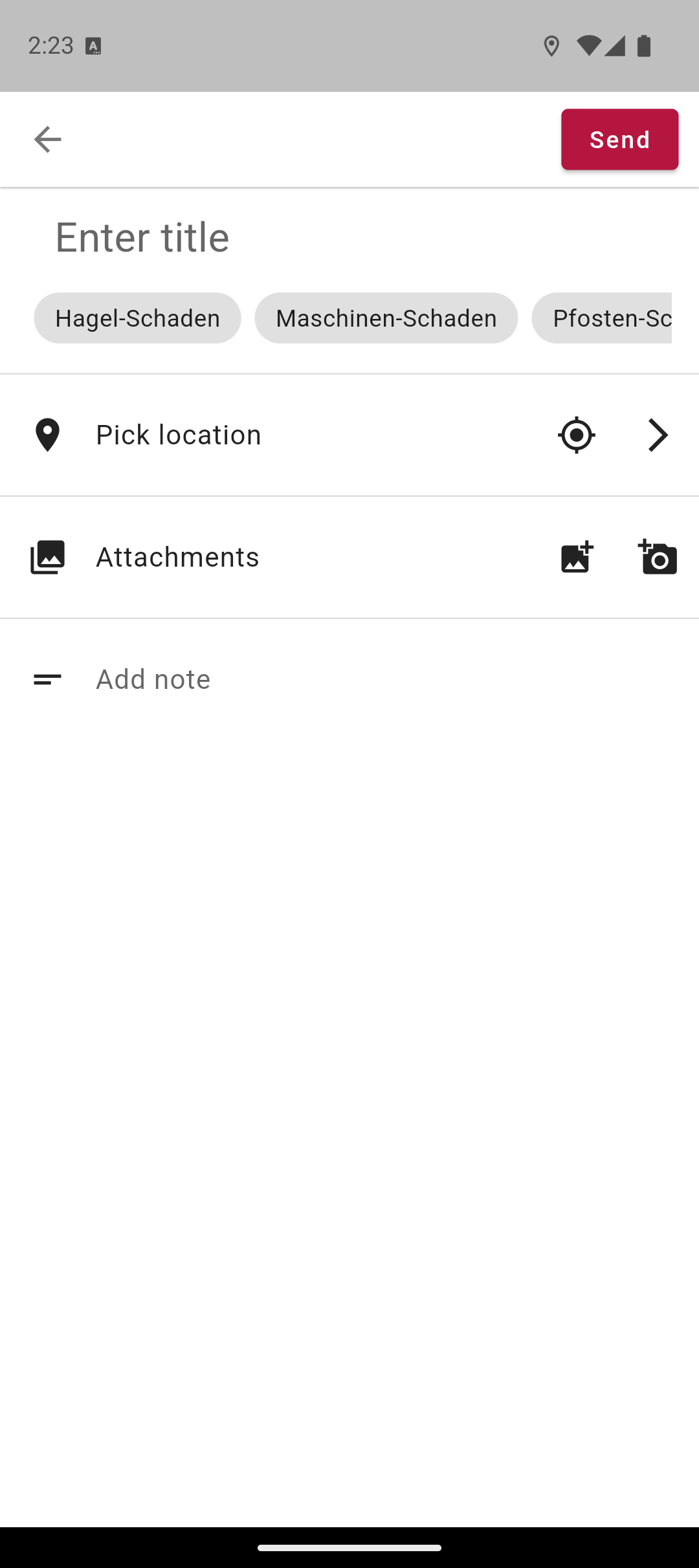
Login with password autofill
The login form of the mobile app is now linked to the system password managers. Anyone who has stored their Vinitor credentials in the Android or iOS keychain can select them directly from the keyboard suggestion bar.
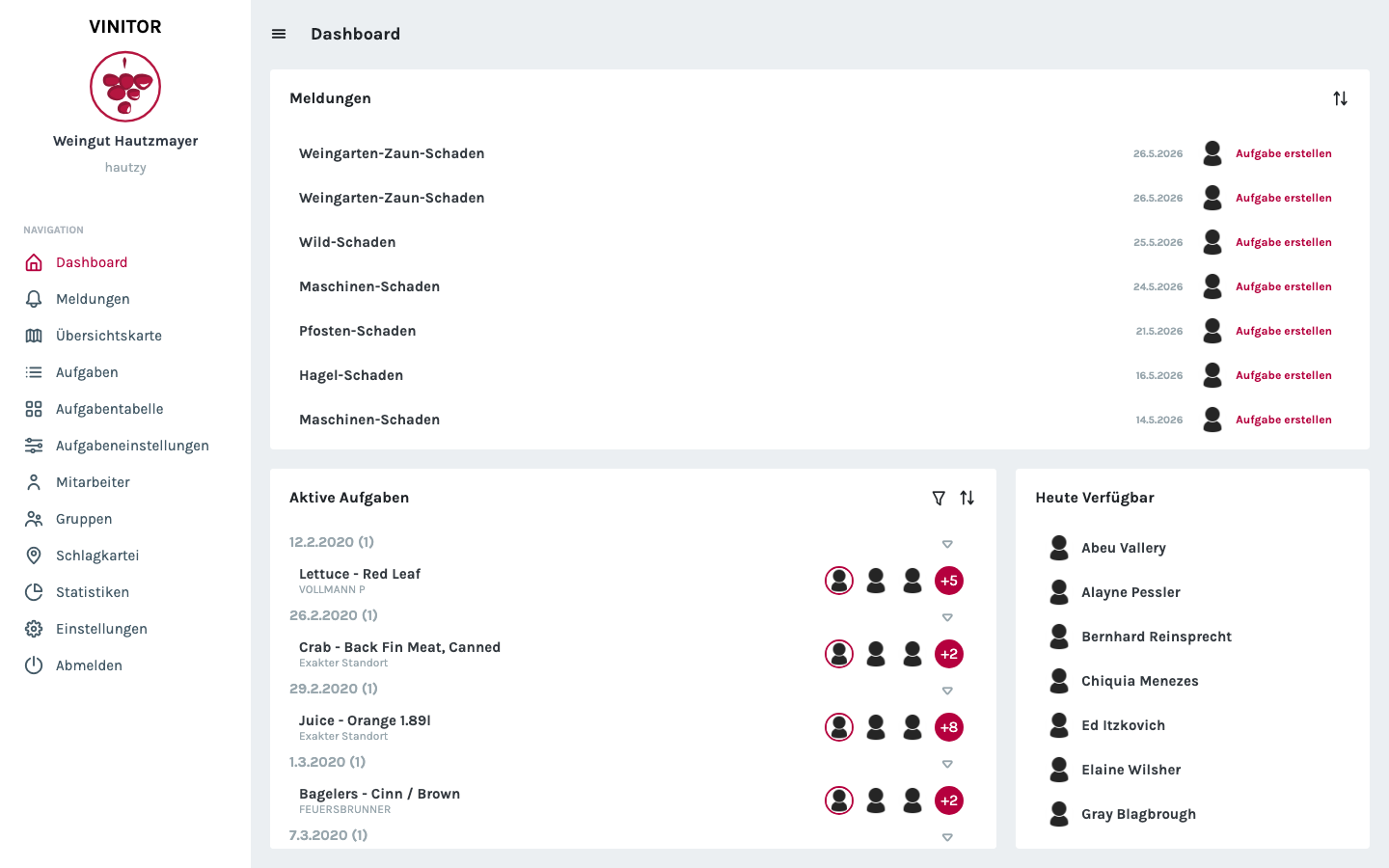
The dashboard at a glance
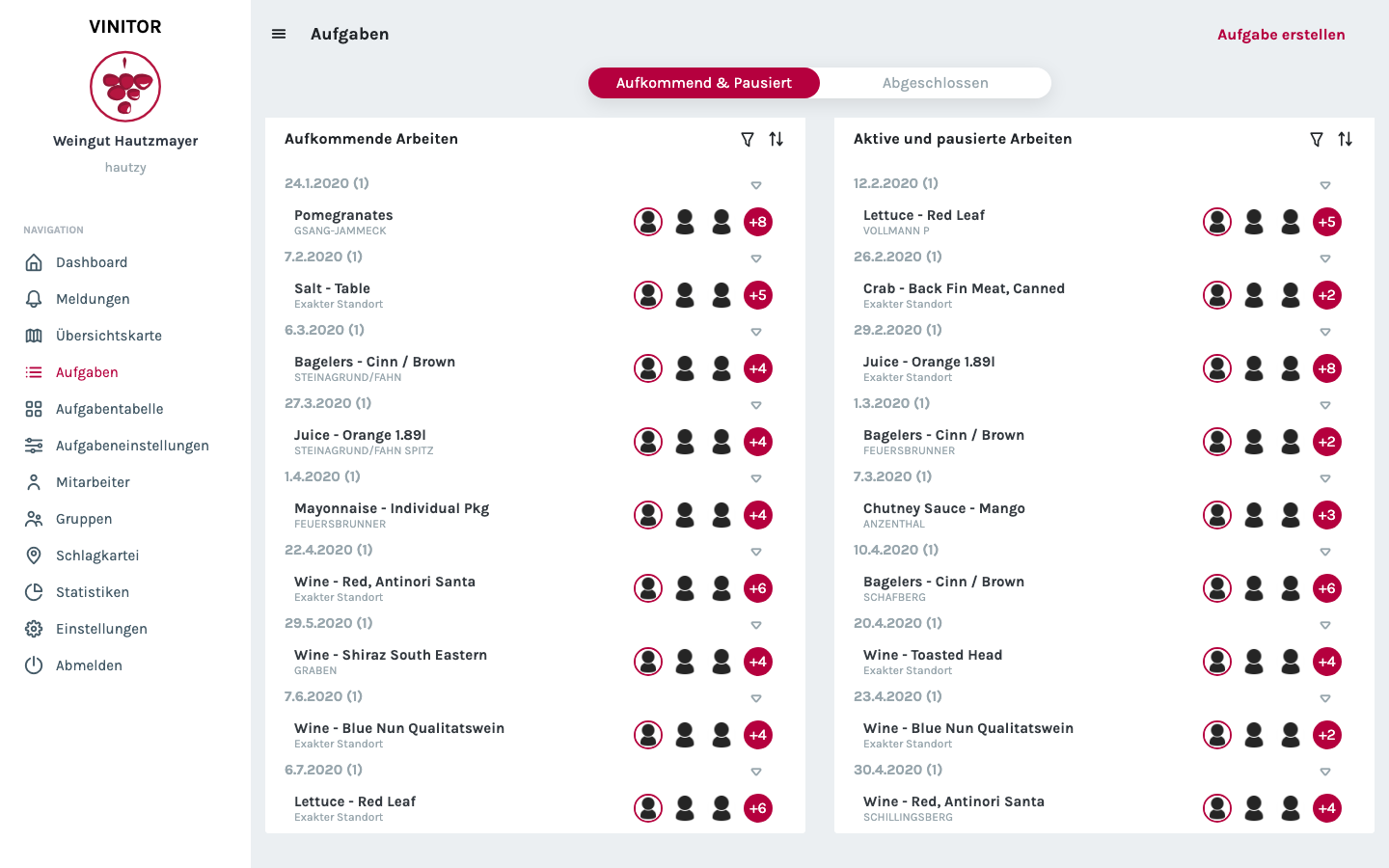
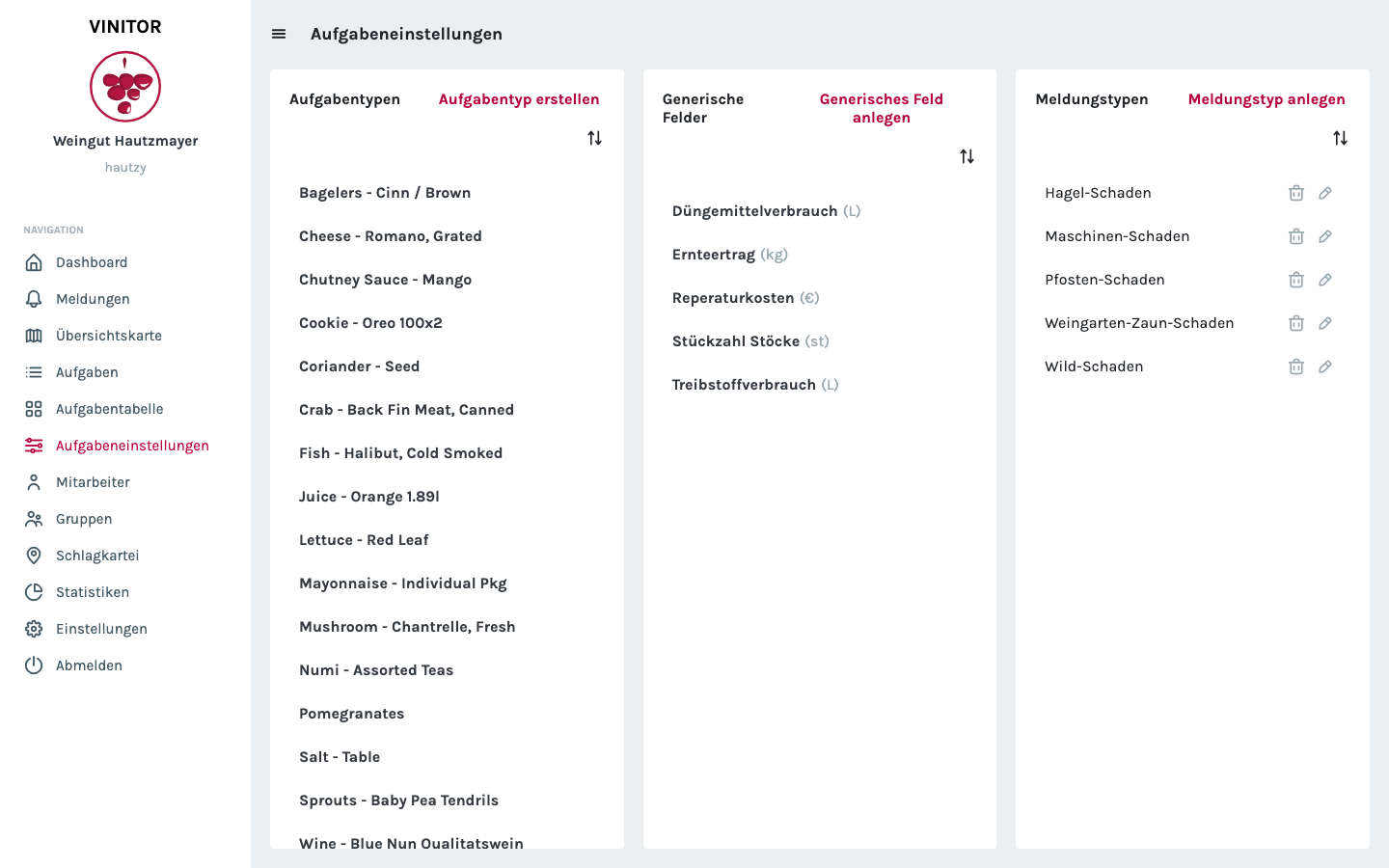
In the dashboard, the running time tracking still shows on the home page, and the task overview and task settings remain the primary entry point for the estate manager.
✨ Improvements
- Salary history with a record per employee
- Task list grouped by day in the mobile app
- Location button in new reports
- Password autofill in the mobile app
- Stabilisation of background GPS tracking